
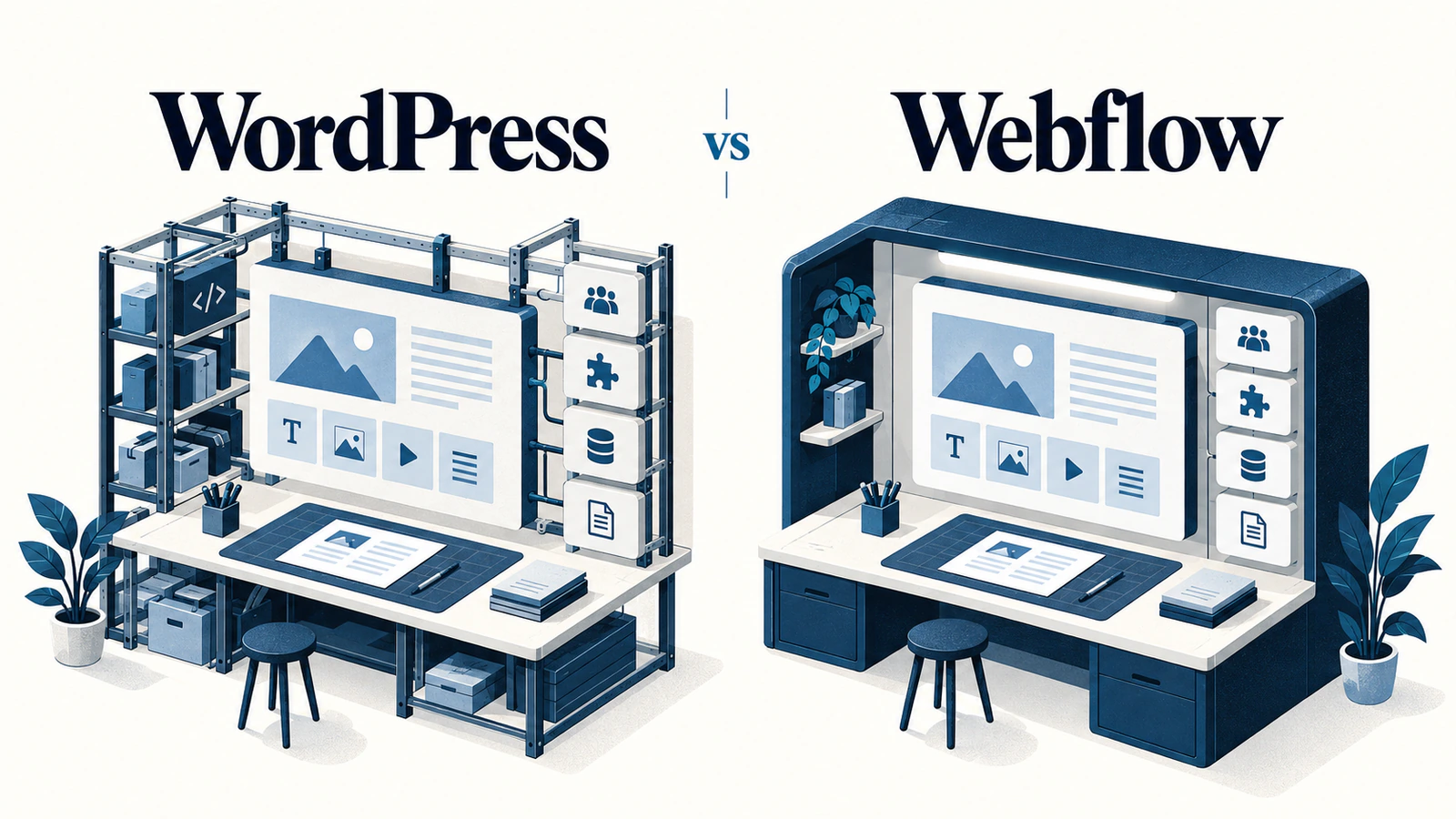
The most useful WordPress vs Webflow comparison starts with an ordinary working day after launch. Someone needs to update a service page, publish an article, correct a form integration or add a new content type. The platform is a good fit when those jobs can be completed safely by the right people, with clear costs and responsibilities.
WordPress offers a flexible software foundation that can be hosted and extended in many ways. Webflow combines visual site building with hosted publishing and content tools. Those differences matter, but neither description tells you whether your particular team can maintain the finished website.
Compare the same tasks, content model and operating requirements on both platforms. The framework below helps you evaluate editing, control and ownership without assuming that one product is automatically easier, cheaper or better for search. Here, WordPress means the WordPress software, not a particular WordPress.com subscription or hosting package.
Define the work your platform must support
Write a short list of the changes your team expects to make regularly. Separate editing an existing page from creating a new layout, adding a content type and changing an integration. A person who can correct a paragraph may not have the permissions or skills to design a new section.
Describe the content itself. A small service website with articles needs a different model from a publication with several authors, related resources, translations and complex approval requirements. Product information, reusable testimonials and case studies may need structured fields rather than free-form pages.
List the systems that must connect to the site. For each one, identify the workflow rather than just the product name. An enquiry entering a CRM is one requirement. Updating an existing contact, applying routing rules and recovering from a failed submission are additional requirements that need their own verification.
Decide who owns technical operations
Identify whether your business has internal developers, a support partner or only an editorial team. More control is useful when someone can exercise it responsibly. A managed environment can reduce particular operational responsibilities without removing the need to maintain content, access, integrations and custom work.
Also record genuine restrictions: required hosting locations, security reviews, procurement rules, data handling or an existing technology contract. Ask the agency to verify these against the proposed implementation. Do not choose a platform first and discover later that an essential requirement cannot be met on the selected plan or architecture.
Compare everyday editing and governance
WordPress includes a block editor for composing page and post content. The available experience depends on the theme, custom blocks, plugins and permissions used in the build. A carefully constrained editorial setup can feel quite different from a site assembled with several overlapping builders. The WordPress block editor documentation describes the native editing foundation.
Webflow provides role-based site access, including a content-editor experience intended to separate content changes from design controls. Its content-editor documentation explains the editing workflow. Verify the actual permissions and publishing options on the proposed account arrangement, since roles and plan features can change.
Test the editor's account, not the designer's demonstration
A demonstration using an administrator or designer account can conceal the experience your team will receive. Ask an intended editor to make a realistic change in their assigned role. They should find the relevant content, understand what can be changed, preview the result and complete the intended approval or publication step.
Use representative material. Test a long article title, an image needing useful alternative text, a service page with a comparison table and an internal link. A system that works only with short sample text has not been evaluated against your actual publishing work.
Check how shared content behaves. If a call to action is reused across several pages, who can edit it and how widely does that change apply? If an editor adds a new page, does it inherit the correct structure, metadata fields and navigation relationship, or require a developer to finish it?
WordPress's roles and capabilities model is distinct from the site's visual editing controls. Likewise, inspect Webflow's current site-role permissions rather than treating an editor label as proof of a particular approval workflow. On either platform, define who may draft, approve, publish and alter site-wide settings.
Evaluate extension and operational control
WordPress can be extended through plugins and custom development. This can be valuable when the site needs a specialized content model, business logic or integration. It also creates decisions about dependency quality, update compatibility, support and who will investigate a failure.
Do not assess a proposed WordPress build by plugin count alone. A small, maintained plugin serving one clear purpose may be preferable to a large custom implementation. Several overlapping tools performing similar jobs can make ownership harder to understand. Ask what each dependency does, who maintains it and how it will be tested after an update.
Webflow's hosted service puts different parts of the infrastructure under the platform provider's control. Your team still needs to understand the responsibilities attached to custom code, external services, forms, content and account access. “Hosted” does not mean every business workflow is maintained automatically.
Review a failure before committing to the architecture
Choose a meaningful scenario, such as an enquiry not reaching the CRM. Ask where the failure would be visible, who would receive an alert and what information would support investigation. Establish whether a submission can be retried safely and whether the website might show success before the receiving system has accepted it.
The answer may depend more on the integration design than on the CMS. A native connector, third-party automation service and custom API integration can have different limits and recovery behavior. Include those components in the comparison instead of attributing the entire workflow to WordPress or Webflow.
The right level of control depends on the work. WordPress development may suit a project that needs a tailored editorial model or deeper application integration. Webflow development may suit a project whose visual publishing and operating requirements fit its hosted capabilities. In both cases, verify the proposed solution rather than relying on the platform label.
Understand ownership and exit limits
Ownership has several parts: the domain, hosting account, platform subscription, content, design assets, code, paid licenses and connected-service accounts. Put those responsibilities in the agreement. The business should know what it controls directly and what depends on the agency or another supplier.
Ask what a handover actually includes. An account invitation is different from documented administrator access, an integration inventory, an export process and instructions for maintaining the site. Confirm who pays renewals and what happens if the support relationship ends.
Content export is not the same as a working-site export
Webflow's code export documentation makes an important distinction. Eligible Workspace plans can export static site code and assets, but that export does not reproduce the hosted CMS, ecommerce functionality, form processing or site search. CMS data can be exported separately, but a data file is not a replacement publishing system.
For a WordPress site, assess recovery using the actual files, database, configuration and dependencies required by that build. Having a content export alone does not establish that another host can run every feature. Paid extensions, external APIs and a separate frontend can introduce their own handover requirements.
Ask for an exit exercise that matches the project: export the content and assets, identify what would need rebuilding, and record which accounts or licenses must remain available. This article provides an evaluation framework, not a claim that a WordPress or Webflow migration has been tested for your site.
Run a same-task platform evaluation
Use the same sample content and required workflow on both candidate implementations. Give the evaluator the role your real editor would hold. Record what happened, what required help and what remains uncertain. Do not award points for features your team will not use.
The table below is a proposed evaluation worksheet, not a benchmark result or a completed product test.
| Evaluation task | Evidence to collect | Question the result should answer |
|---|---|---|
| Update an existing service page | Editor role, steps, preview and published result | Can the team maintain normal content without changing the approved design? |
| Publish a structured article | Required fields, image handling, related links and metadata output | Does the content model support real editorial work? |
| Introduce a new content requirement | Configuration work, code changes and permissions needed | Who must become involved when the website grows? |
| Verify an integration failure | Error handling, retained information and recovery procedure | Can operations identify and resolve a failed business workflow? |
| Prepare an exit package | Exported data, files, account ownership and missing capabilities | What can be transferred, and what would need replacement? |
Write a conditional recommendation
Explain the choice using the requirements that decided it. For example, a fictional marketing team might favor a hosted visual publishing workflow after its editors complete the required tasks and its integration needs are verified. Another fictional business might favor a WordPress implementation because its structured content and custom workflow require controls the proposed alternative does not provide.
These are contrasting decision patterns, not claims that every business of either kind should choose the same platform. A different content model, support arrangement or subscription can change the result.
Compare costs on the same basis: implementation, hosting or platform subscriptions, editor access, paid tools, integrations, support and expected change work. State the date and assumptions behind any quoted prices. Avoid comparing a basic subscription on one side with a fully supported custom build on the other.
WordPress and Webflow questions
Is either platform automatically better for SEO?
No platform name guarantees search performance. Review the actual page content, metadata, canonicals, rendering, links, images and index controls. Then consider the team's ability to maintain useful content consistently. A technically capable platform can still produce a poorly organized website, while a carefully implemented site may meet its requirements without unnecessary custom features.
Can Webflow code export replace its hosted CMS?
Not by itself. A static code export and a separate content export do not recreate the hosted publishing and runtime features. If independent hosting is essential, identify the CMS, forms, search and other services the exported site would need. Include the effort to replace those capabilities before treating export availability as a complete exit plan.
Does WordPress require a page builder?
No. WordPress has a native block editor, and a site can use a suitable theme, custom blocks or another deliberate editing architecture. A third-party builder is a project choice rather than an automatic requirement. Evaluate the resulting editor experience and dependency responsibilities rather than assuming that either adding or avoiding a builder guarantees quality.
Can nontechnical editors use either platform?
They can, but the implementation and assigned permissions matter. Have intended editors complete their normal tasks using representative content. Check whether instructions are clear, preview is useful and publishing follows the intended process. A developer completing the same task quickly does not demonstrate that the editorial team will find it manageable.
Which option costs less after launch?
There is no useful universal total. Compare the same hosting needs, editor access, features, support and likely change requests. Separate provider-managed responsibilities from work your team or agency will still perform. Include renewal ownership and integration costs. The lowest visible subscription price may not represent the lowest cost of operating your particular website.
Can we switch later without rebuilding anything?
Expect some platform-specific work. Content and original assets may be reusable, while templates, integrations, publishing controls and runtime features may need rebuilding or replacement. Ask for an exit inventory before committing, especially if independent hosting is important. Do not assume that a successful download proves the entire website can run elsewhere unchanged.
Choose the platform your team can operate
Bring the editing tasks, integration requirements and ownership constraints into the decision before approving a design direction. If the choice remains unclear, a small evaluation using the same real requirements can be more useful than another feature list. The strongest recommendation explains what was verified, what still needs investigation and who will own the work after launch.