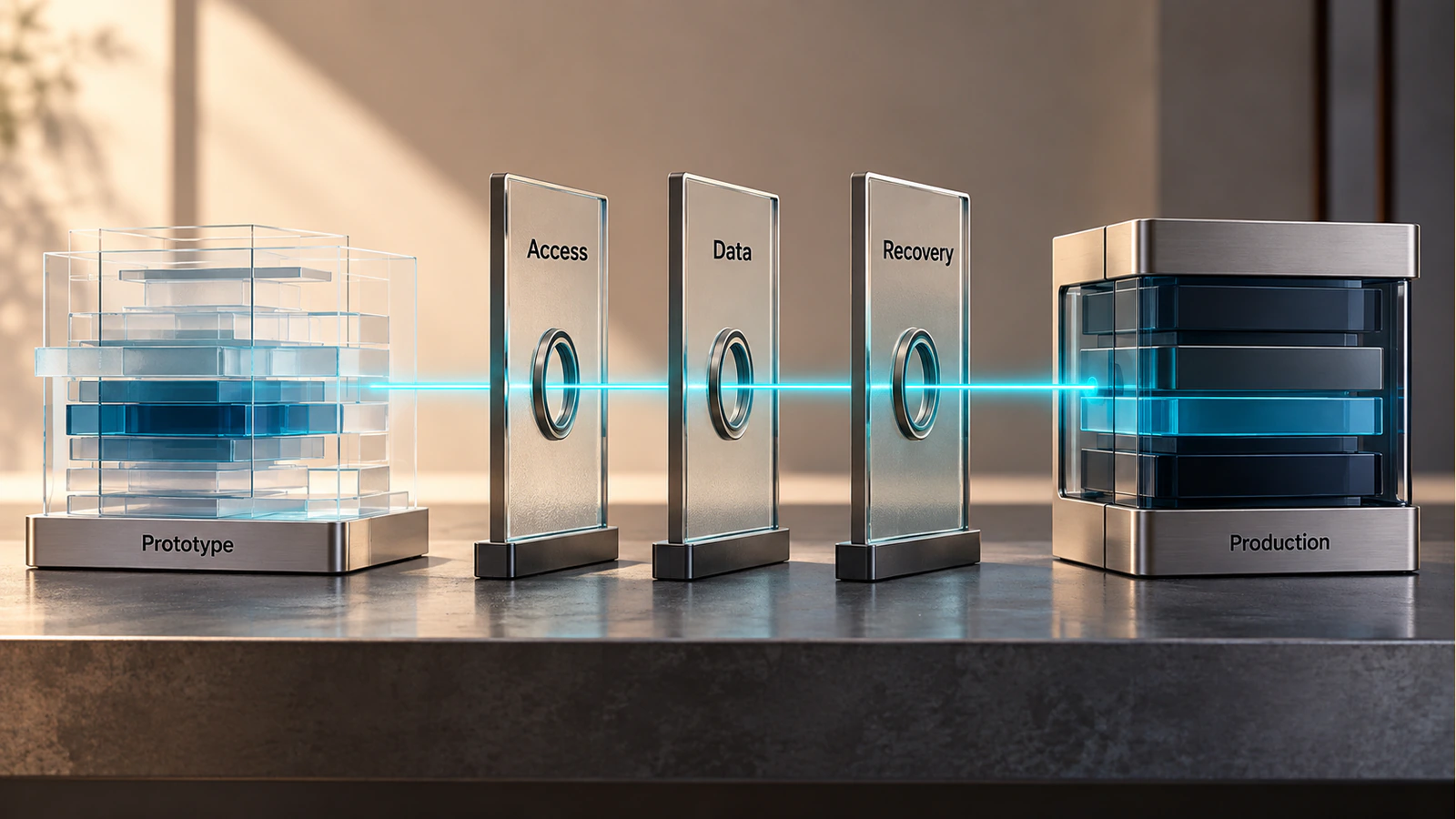
An AI-built prototype can make a product idea tangible in a short time. A founder can follow a workflow, enter sample information and see a convincing result. The next question is different: can real users rely on that application without exposing data, losing work or creating an operational problem the team cannot resolve?
Moving an AI prototype to production means verifying the application you actually have. That includes its code, accounts, data boundaries, dependencies, failure behavior, deployment process and ongoing ownership. The review should not assume that generated code is always unsafe, or that a successful demonstration proves it is ready.
Start with the intended users and business risk. Then ask for evidence against a defined release scope. A small internal tool and a customer-facing application handling private records need different review depth, even when both were created with the same builder.
Inventory the application before deciding what to fix
Identify where the source code lives, how it is versioned, who owns the repository and which version is being evaluated. Confirm that the business can access the project independently of one person's builder account. A preview link alone is not a complete handover.
List the services the application uses: authentication, database, file storage, email, payments, analytics, AI models and background jobs. For each one, record the account owner, operating purpose, environment and known limits. Keep credentials in an appropriate secure system, not in the inventory document.
Separate working implementation from demonstration behavior
Mark any simulated data, hardcoded responses, temporary integrations or manual steps hidden behind the demonstration. A report that always shows the same sample result may be useful for discussing layout, but it has not demonstrated that the reporting logic works.
Review dependencies and licenses with the appropriate technical and commercial owners. Generated code may rely on third-party packages, assets or services with their own conditions. Do not assume the builder's subscription settles every ownership or licensing question. Preserve the relevant terms and identify unresolved questions before committing the business to production use.
Create a simple system outline showing which component handles each important responsibility. The purpose is not to produce an impressive architecture diagram. It is to reveal where a user request goes, where data is stored, what can fail and who can investigate it.
Verify access and data boundaries
Authentication establishes who a user is. Authorization decides which records and actions that user may access. An application can have a functioning login screen and still expose information between accounts if those permissions are not enforced correctly.
Define roles, resource ownership and allowed actions before reviewing the implementation. A customer, an internal operator and an administrator should not receive the same access merely because all three can sign in. OWASP's authorization guidance recommends checking permissions on requests and applying the least access needed for the task.
Use a controlled cross-account scenario
For an authorized test in an isolated environment, create two synthetic customer accounts and separate sample records. Confirm that each account can view its own permitted material and cannot retrieve or change the other account's records. Test the underlying application requests as well as the visible controls. Hiding a button does not itself enforce a data boundary.
Record the expected result before running the test. If access is denied, confirm that the response does not disclose private record contents or sensitive debugging information. Keep the test data synthetic and the environment separate from real customer activity. This is an example of a review scenario, not a claim that any particular application has passed it.
Review secrets and sensitive information
Check where private API credentials, signing secrets and database access details are stored. Browser-delivered code is visible to users, so it is not a suitable place for server credentials. Limit access to secrets and establish how they will be changed if exposed. OWASP's secrets-management guidance covers their lifecycle and operational handling.
Trace sensitive information through forms, APIs, storage, logs and third-party services. Identify what is collected, why it is needed, who can access it and how it is removed when no longer required. Confirm applicable privacy and contractual obligations with the responsible specialists. A technical checklist alone is not a legal or compliance assessment.
Test real workflows, including failures
Choose the journeys the release must support and write their expected outcomes in business language. “The page loads” is weaker than “An authorized customer can submit a request, see its recorded status and receive the agreed confirmation without creating duplicate records.”
Include incomplete inputs, rejected actions, interrupted requests and external-service failures. If a workflow involves a payment, notification or irreversible action, establish what prevents accidental duplication and how the user learns the true outcome. Test only within authorized environments and suitable sandbox services.
Combine automated checks with human review
Automated tests can make repeated checks more dependable, but their value depends on what they assert. A suite that confirms page titles while ignoring account boundaries and failed writes may pass without covering the application's main risks.
Use unit tests for focused logic, integration tests for component boundaries and end-to-end checks for important journeys where those techniques fit the architecture. Review the assertions and test data, not just the total count. Ask a responsible user to evaluate the actual workflow, including terminology, accessibility, error messages and the steps needed to recover from a mistake.
The OWASP Application Security Verification Standard can help a qualified reviewer define security requirements and assessment scope. Using it as a reference does not make an application certified, and passing an automated scanner is not equivalent to completing an appropriate security review.
Examine concurrent and repeated actions
Some failures appear only when two operations happen close together. Consider two staff members editing the same record, a user submitting twice after a slow response, or a background task retrying after a timeout. The intended outcome should be explicit before the team decides how to implement it.
For each important scenario, retain the application version, test conditions, expected outcome, observed outcome and supporting evidence. A reproducible failure is more actionable than “sometimes it loses changes.” After a fix, rerun the affected journey and nearby checks rather than assuming a successful build proves the behavior changed correctly.
Prepare deployment and day-to-day operation
A production application needs a repeatable deployment process. Document how the approved version is built, configured and released. Separate development, test and production settings so a test job cannot accidentally email customers or write to live records.
Identify required configuration without putting secret values in the handover. Confirm who controls domains, hosting, service accounts and deployment access. Decide how access is revoked when a team member or supplier leaves. The business should not discover during an incident that only a former contractor can change a critical setting.
Make failures visible to someone responsible
Choose logs and alerts that help the operator understand important failures. Track enough context to connect a problem with a workflow, but avoid logging passwords, tokens or unnecessary personal information. OWASP's logging guidance is useful when deciding which events to record and what information should be excluded.
An alert has limited value without a recipient and a response process. Define who investigates, where issues are recorded and when a problem should interrupt normal work. Distinguish a temporary failure in a nonessential widget from a broken customer-data boundary or a repeated failure in the main transaction path.
Test backup recovery and rollback separately. Restoring data, reverting application code and reversing a database change are different operations. A previous software version may not work with a changed data structure. Record the recovery procedure, its limitations and the person authorized to use it.
Use evidence to decide what can ship
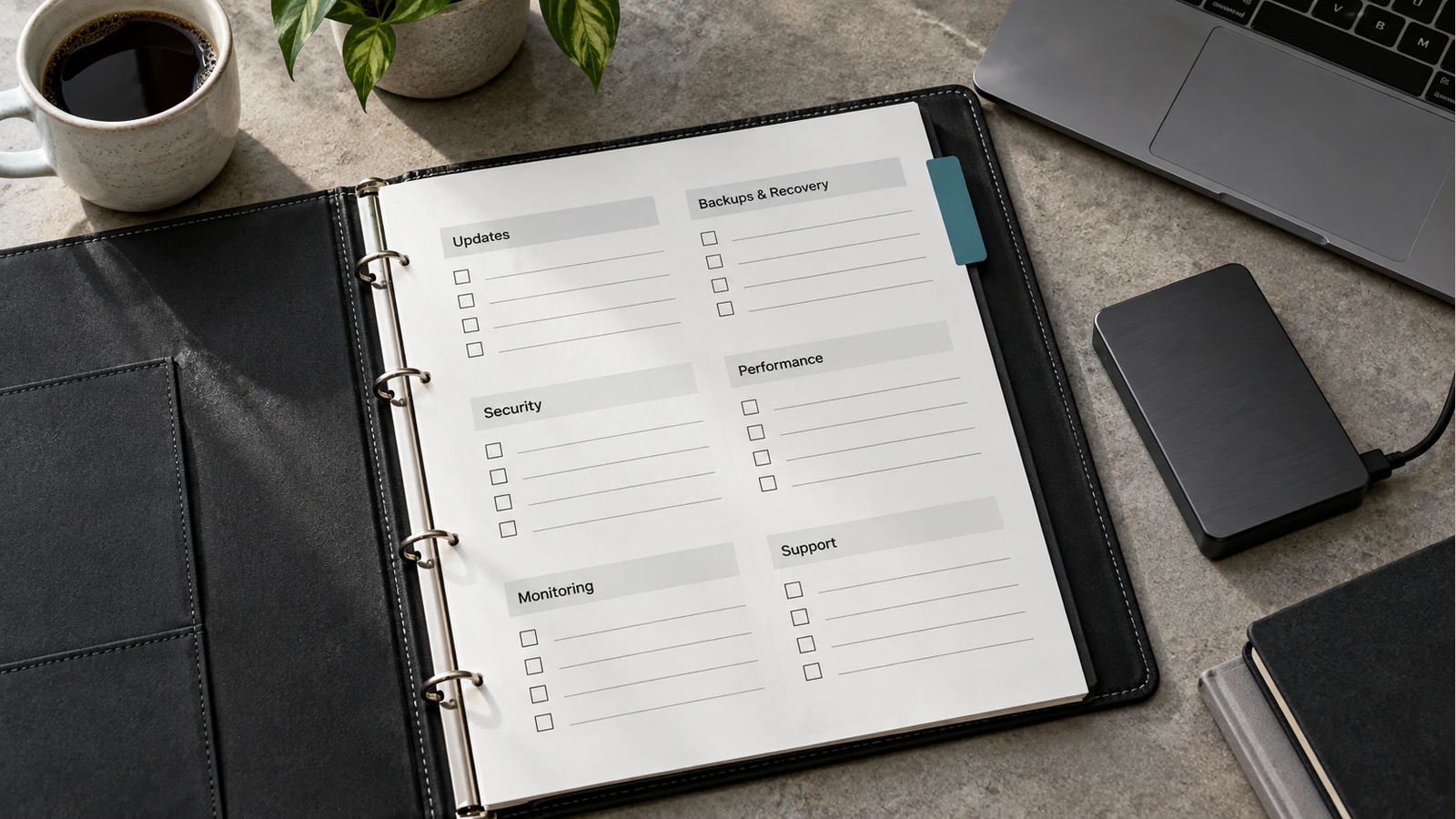
Create a release register that connects each requirement to its owner and evidence. The following is an illustrative structure for a review, not a completed assessment of an Attors client application.
| Review area | Evidence to request | Example reason to stop release |
|---|---|---|
| Application ownership | Repository access, account inventory and dependency record | The business cannot access a critical project or service |
| Access control | Reviewed role rules and controlled permission tests | One customer can access another customer's private records |
| Core workflow | Expected outcomes and successful failure-path retests | The interface reports success when the operation was not completed |
| Data handling | Data-flow review and approved storage/access decisions | Sensitive information is exposed to an unintended recipient |
| Deployment | Reproducible release instructions and verified environment settings | The intended production version cannot be identified reliably |
| Recovery | An observed restore or rollback exercise with documented limits | The team cannot recover critical data using the proposed procedure |
Give each row a status such as verified, needs review or blocks release. A status should reference evidence, not confidence in the tool that generated the application. Keep untested requirements visible instead of treating them as passed because no problem has been reported.
Scope remediation before proposing a rewrite
Some prototypes can be improved within their current architecture. Others have fundamental limitations in data modeling, permissions or maintainability. Ask the reviewer to explain which problems are local fixes, which affect several components and which justify replacing part of the system.
Avoid both automatic conclusions: “Everything generated must be rewritten” and “The builder can fix every issue with another prompt.” Compare the proposed work with the verified requirements, the code's condition and the team's ability to support it. Record the trade-offs so the business can decide what to retain, replace or defer.
Use an independent reviewer where the risk warrants it. A person closely involved in the prototype may understand it well but can also carry untested assumptions about its intended behavior. Independent review should still have a defined scope, access boundaries and evidence requirements.
AI prototype production-readiness questions
Does working in the AI builder mean the app is ready?
No. A builder demonstration can establish that an idea is understandable or that a particular path works with sample data. Production readiness requires evidence about the actual users, permissions, failures, deployment and operating responsibilities. Keep the prototype's demonstrated value, but do not extend that evidence to requirements that have not been tested.
Can we keep the generated code?
That depends on the relevant terms, dependencies and implementation quality. Confirm your access and permitted use, identify third-party components, and have qualified reviewers assess maintainability. Keeping useful code can be sensible. The decision should follow an inventory and review rather than an assumption that every generated file is either disposable or ready to maintain.
Should every prototype be rewritten from scratch?
No. Ask for a specific assessment of the existing architecture and the gaps against the intended release. A focused correction may be sufficient for one component, while another may need replacement. A rewrite also introduces cost and new testing obligations. The recommendation should explain why retained or replacement work is the better route for the actual requirements.
Can automated tests prove security?
They can verify particular assertions and help detect regressions, but cannot establish that every relevant threat and business rule has been considered. Review the scope, application logic and untested boundaries. Combine suitable automation with technical assessment and human evaluation. A passing test suite is evidence about its coverage, not a universal safety guarantee.
What should never be stored in frontend code?
Do not place private server credentials, database passwords or signing secrets in code delivered to the browser. Some services intentionally provide public identifiers or restricted client keys; verify their intended use and restrictions rather than treating every key alike. Private operations should use an appropriate server-side boundary with controlled access to the required secrets.
Who is responsible after launch?
Name the people or providers responsible for deployment, monitoring, incidents, backups, access management and maintenance. Confirm the support boundaries and handover material before release. If responsibility is shared, explain how an issue moves between teams. An application without an operating owner can become difficult to maintain even when its first release works correctly.
Review the application, not the confidence of the demonstration
The next step is a scoped evidence review of the prototype you have, followed by prioritized remediation and retesting. If you need help reviewing a prototype before production, prepare access to the code, a synthetic test environment and the intended user workflows. Those materials make it possible to assess what is useful, what needs work and what should not yet be released.