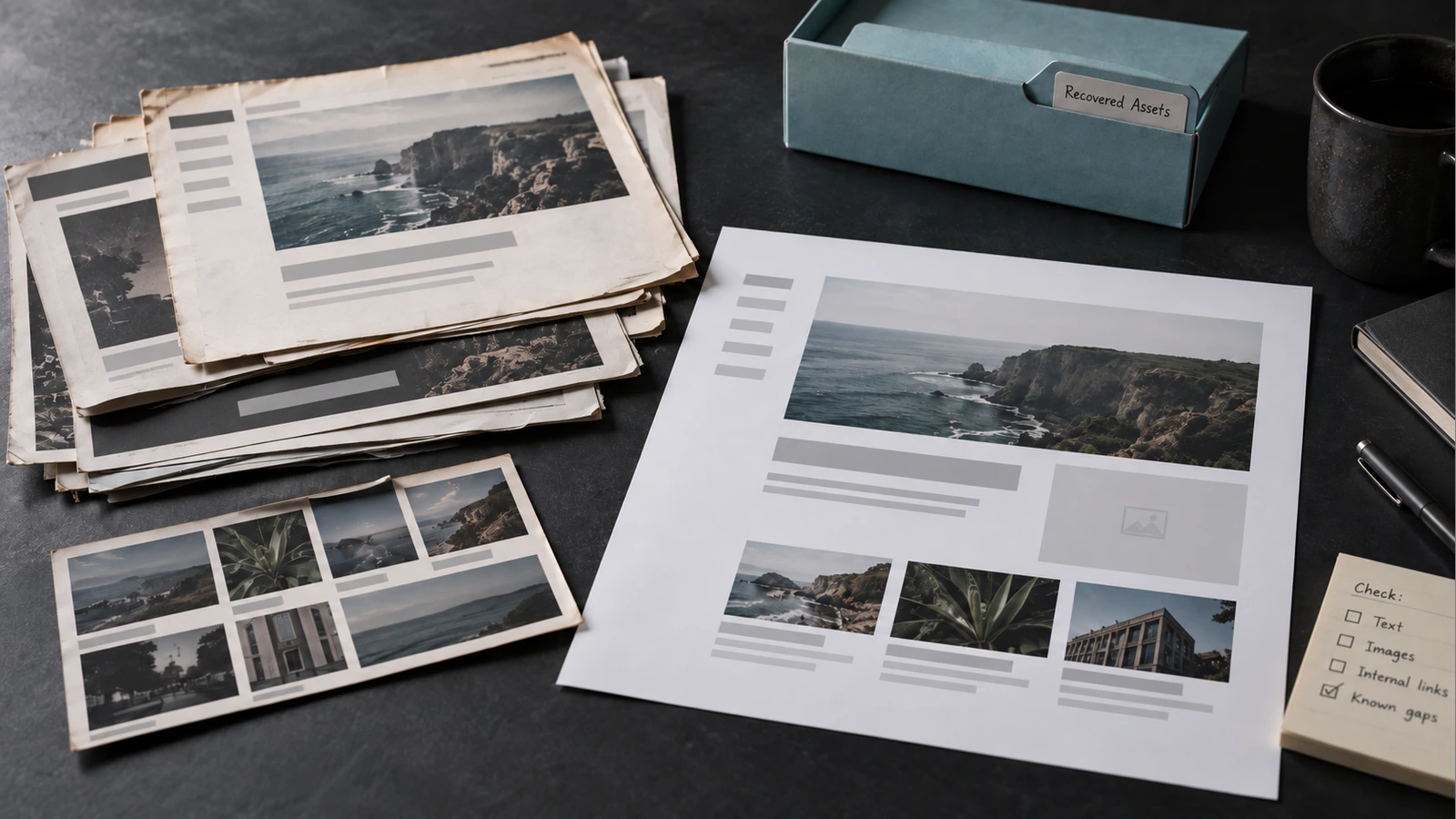
Can You Restore a Website from the Wayback Machine? What Can and Cannot Be Recovered?
Assess what the Wayback Machine can recover, from public pages to images, and what needs rebuilding, including forms, logins and missing website data.

From the archive
Assess what the Wayback Machine can recover, from public pages to images, and what needs rebuilding, including forms, logins and missing website data.

Define a website maintenance plan with clear update, backup, monitoring and support responsibilities, then ask for evidence that critical journeys still work.

Audit chat, analytics and marketing scripts by business purpose, loading cost and dependencies, then test changes without breaking measurement or user journeys.

Investigate a slow WordPress website by separating server response, caching, assets, plugins and third-party work before choosing a targeted, tested fix.

Choose an automation starting point by assessing repeatability, data quality, exceptions and ownership, then design a small pilot with clear acceptance criteria.

Plan website-to-CRM integration with clear field mapping, lead ownership, consent handling and failure recovery, so a successful form submission is traceable.

Define a client portal around user roles, permissions, requests, documents and integrations, with acceptance scenarios that expose gaps before development.
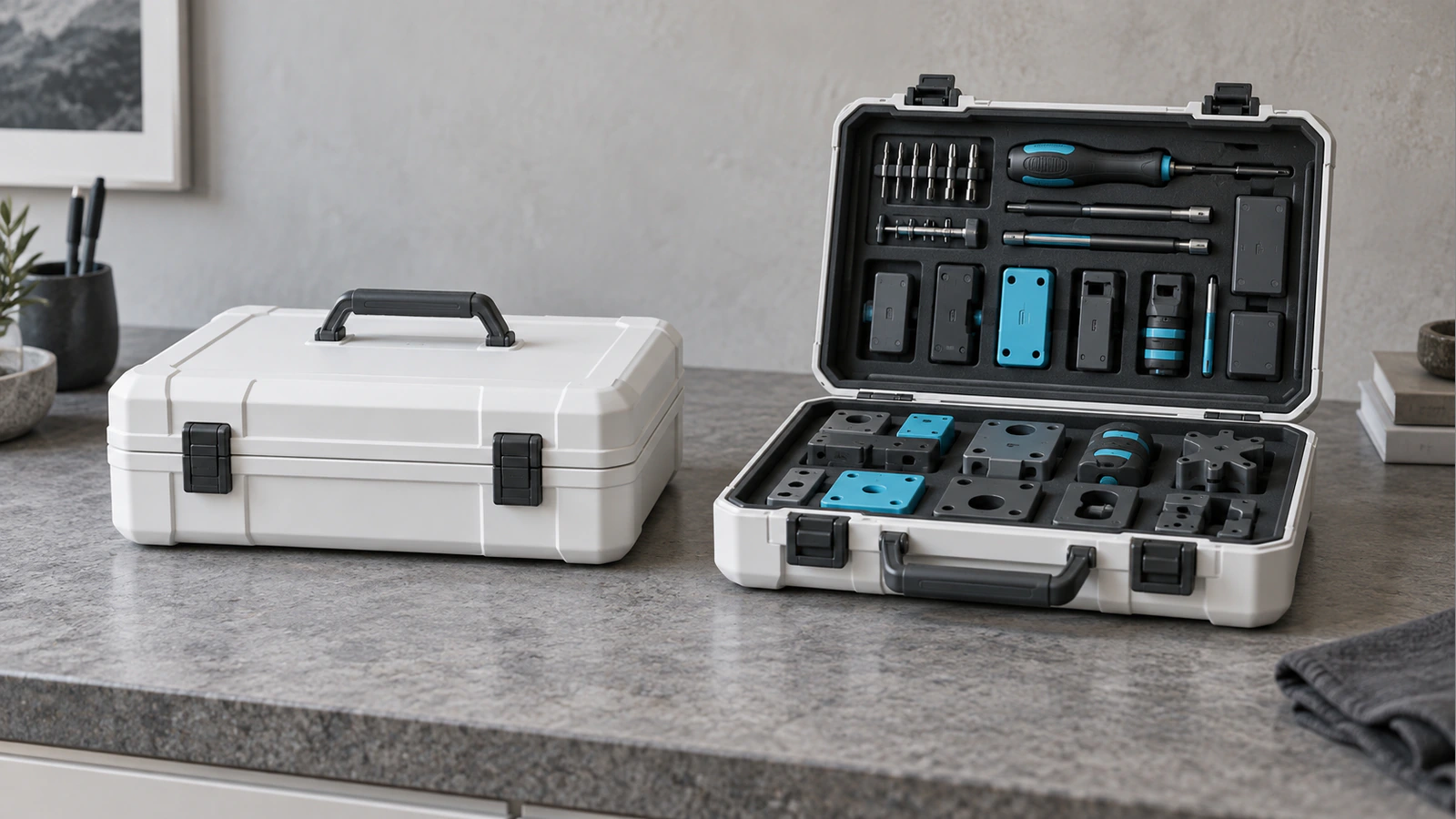
Compare buying, configuring and building business software against workflow fit, integration needs, ownership and long-term operating responsibilities.
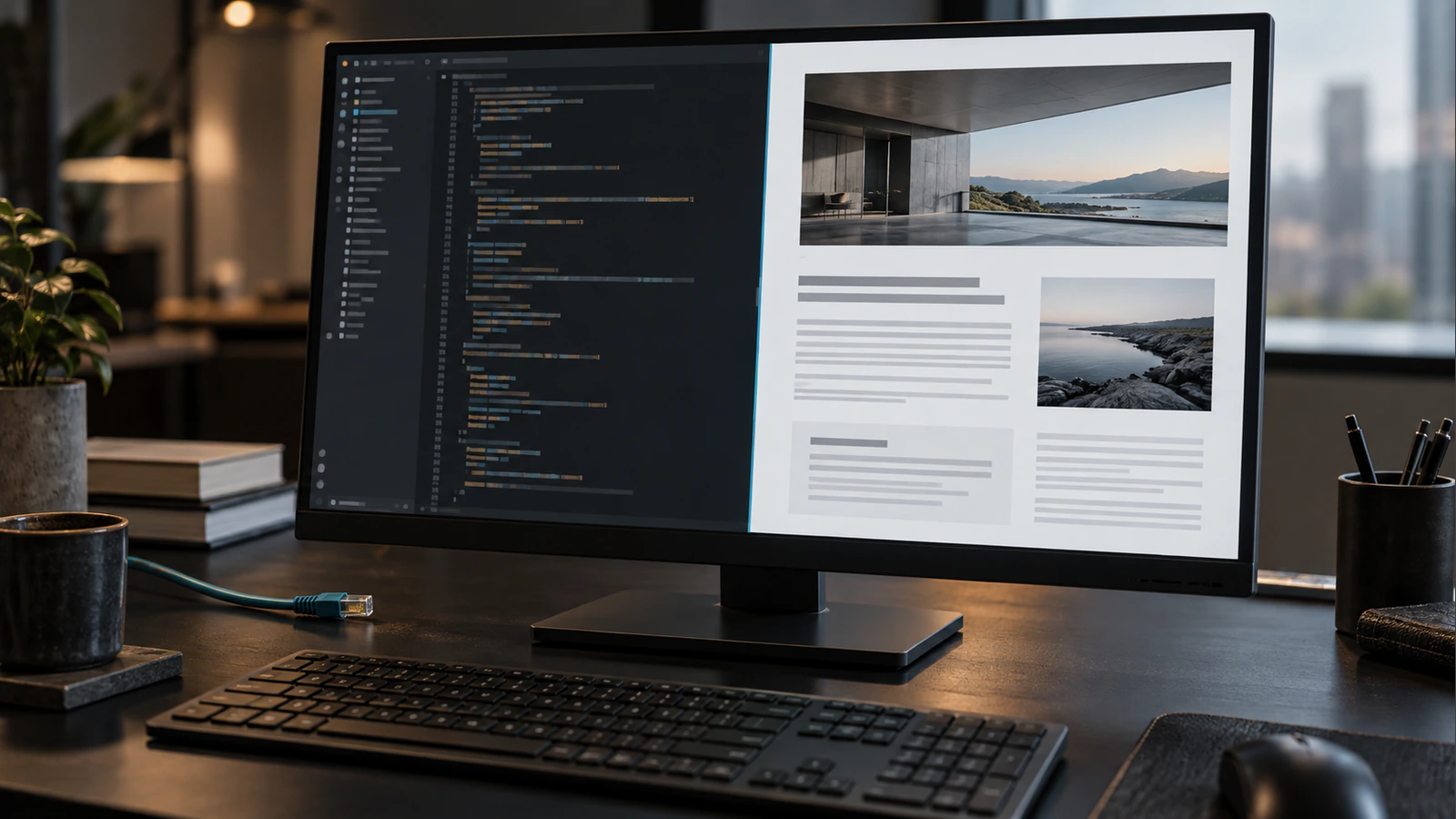
Understand how crawling, rendering and indexing differ, then check whether a JavaScript website exposes its content, links and metadata reliably to search.

Choose between a service page and an article by identifying the searcher’s decision, reviewing existing owners and defining a distinct purpose before writing.