An Elementor to Gutenberg migration should replace the site's editing dependencies without losing approved content, design or business functions. It is not enough to make a page look similar in the block editor. The replacement must also preserve responsive behaviour, dynamic data, forms and the controls your team needs for future updates.
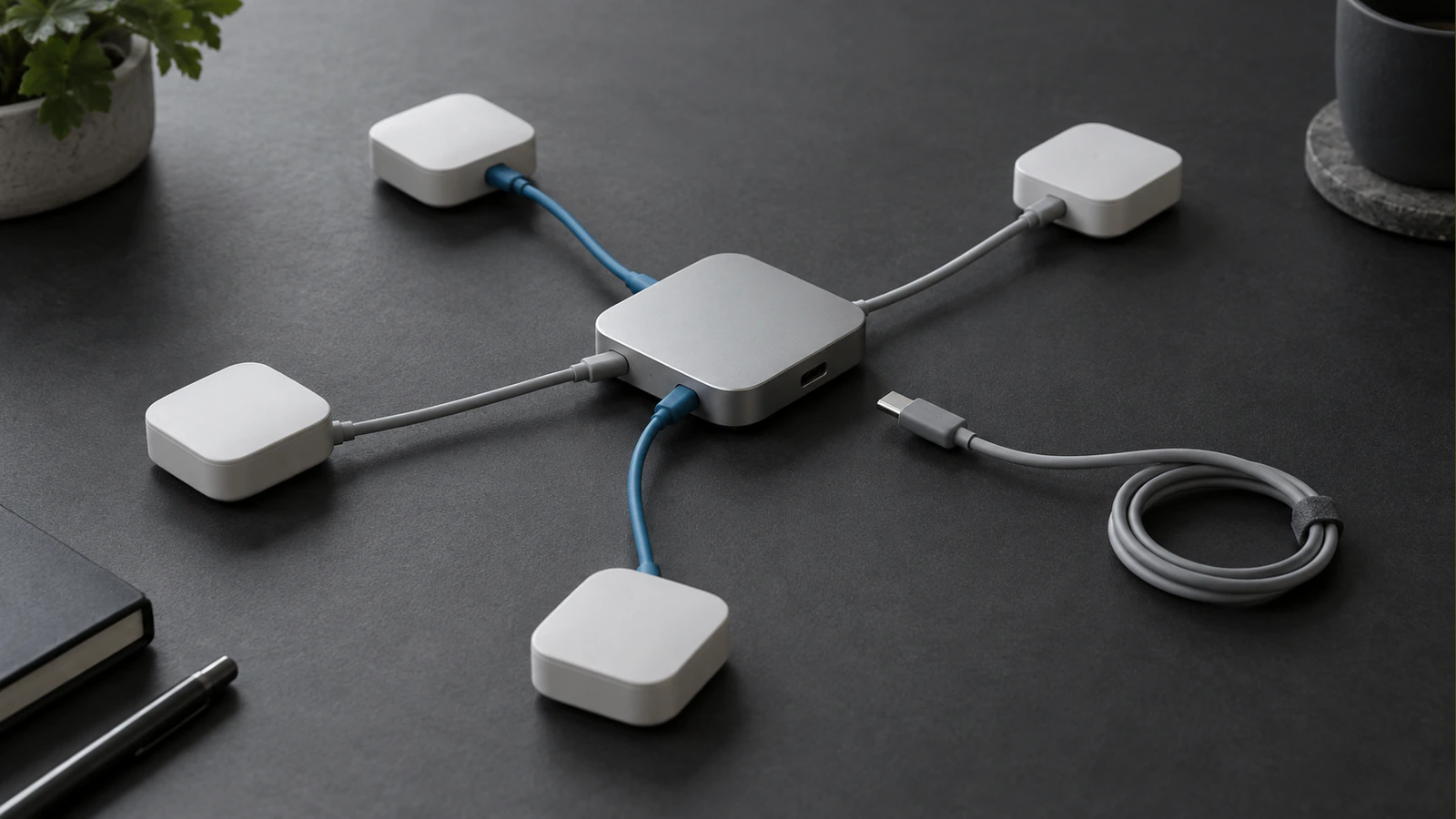
Begin by identifying what Elementor currently owns. It may control individual page sections, shared templates, navigation, forms or conditional content. The migration scope follows those dependencies, not simply the number of pages. A small site with several custom widgets can require more investigation than a larger site built from a few repeatable layouts.
Inventory Templates and Widgets Before Rebuilding Pages
List the templates used across the website, including headers, footers, archives, search results and individual content types. Then record the widgets and integrations used within them. Note global styles, responsive settings, custom CSS and any third-party add-ons that affect output.
Choose representative pages that expose those dependencies. Include a long page, a page with unusual layout behaviour, a form and any content populated dynamically. Inspect both desktop and mobile states. An inventory based only on the homepage can miss the functionality most likely to break when a builder is removed.
Distinguish Content from Layout Instructions
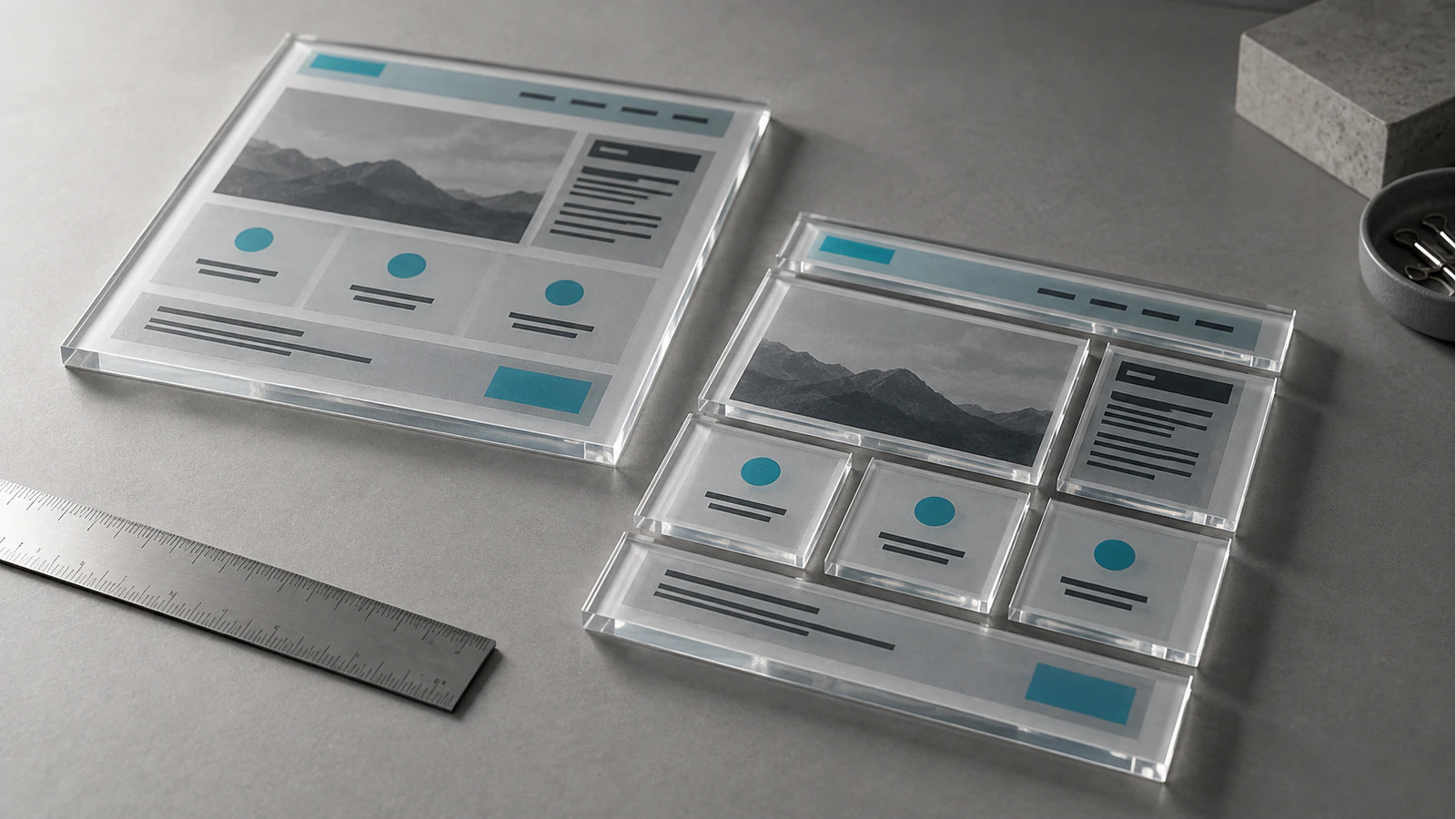
Separate the information the business owns from the system that arranges it. A testimonial has text, attribution and perhaps an image. Its carousel behaviour and spacing belong to the presentation layer. A service page has approved content and relationships; a particular nested container structure is not necessarily part of its meaning.
This distinction helps preserve useful content while replacing implementation details. It also reveals where important data is trapped inside presentation settings. Extract and verify that information before discarding the old structure. Keep the source records and a recoverable backup throughout the transition.
Choose Core Blocks, Patterns and Custom Blocks Deliberately
Use ordinary blocks for ordinary content where they meet the requirement. Paragraphs, headings, images and tables generally do not need a custom implementation simply because the previous page used a builder widget. Reusable patterns can provide a consistent starting structure for repeated sections.
Custom blocks are justified when a component needs a clear structured interface or behaviour that simpler options cannot provide reliably. A specialist comparison tool, connected directory or carefully constrained service module may warrant one. Building a custom block for every decorative variation can create another expensive editing dependency.
WordPress supports templates and block locking, which can help protect agreed structures while retaining appropriate content controls. These tools require deliberate configuration and testing. The goal is not to lock everything, but to make routine edits safe and understandable.
| Existing responsibility | Possible destination | Acceptance question |
|---|---|---|
| Ordinary article copy | Native text and media blocks | Can editors update it without layout repairs? |
| Repeated service introduction | Pattern or constrained component | Does the structure remain consistent with varied content? |
| Dynamic staff profile | Template connected to structured fields | Does updating one record change the correct output? |
| Enquiry form | Maintained form implementation | Do validation, delivery and consent still work? |
| Site-wide header | Shared theme template | Are navigation states and responsive controls preserved? |
| Bespoke interactive feature | Purpose-built component where justified | Is behaviour accessible, documented and maintainable? |
Treat this as a component migration ledger. Add the source dependency, chosen destination, responsible person and verification evidence for your own site. It becomes the basis for removing the old builder safely rather than a checklist created after the work is finished.
Rebuild Representative Templates Before Converting Everything
Implement one example of each template or component family first. Compare it against the approved visual reference at realistic screen widths, including intermediate widths where layouts change. Check longer headings and different image proportions, not only the content that happens to fit the initial design.
If the design is locked, define the comparison standard explicitly. Typography, spacing, borders, image framing and interaction states may all be part of the approved experience. Replacing the editor does not authorise a redesign. Record genuine technical limitations before making any visible substitution.
Preserve Meaning Alongside Appearance
Review heading levels, link labels, image alternatives and reading order in the replacement output. A visually convincing page can still contain repeated primary headings or a mobile reading order that makes little sense. Avoid recreating unnecessary containers solely to imitate the old implementation internally.
Dynamic elements need content tests as well as layout tests. A related-content section should select the intended records. A location page should not display another office's contact details. A form confirmation should describe the actual next step. Verify these cases against the business requirement rather than the name of the widget being replaced.
Once the representative templates pass, use them to convert the remaining pages in controlled groups. Track exceptions. If several pages require bespoke fixes, pause the repeated conversion long enough to determine whether the underlying pattern needs improvement. Otherwise a supposedly reusable system can accumulate page-specific overrides immediately.
Test Editing with the People Who Will Maintain the Site
Ask a real editor to perform common tasks without developer intervention. They should be able to change a paragraph, replace an image, update a link and create a new page from the agreed pattern. Observe which controls are confusing or unnecessarily exposed.
Test the limits too. What happens when a heading is substantially longer? Can someone accidentally remove a required section? Does pasting formatted text create inconsistent typography? A good editing model handles normal variations while making destructive changes deliberate.
The acceptance test should include preview and saving. Open the saved page again and confirm that the editor recognises the blocks without recovery warnings. Check whether the editing view provides enough context to predict the public result. A clean frontend does not compensate for content that becomes difficult to reopen and maintain.
Keep URLs and Metadata Stable Unless a Change Is Approved
Changing the page builder does not inherently require new URLs. Preserve existing paths, titles and metadata when their intent remains valid. If the project also includes a content or architecture change, record that scope separately so its effects are not confused with the editor migration.
Compare the rendered page before and after conversion. Check canonical information, social images, structured data and any metadata fields that previously depended on a theme or plugin interaction. The migration is not complete merely because those values still exist somewhere in the database.
Use the redesign search continuity guide when the work also changes URLs or content structure. For the builder replacement itself, the priority is to avoid unnecessary changes and prove that the public meaning and metadata have been preserved.
Check Forms, Tracking and Embedded Services in Staging
Use a protected staging environment for functional tests. Prevent test submissions from triggering unwanted production workflows, but still verify the intended delivery path through an approved test destination. A disabled form that looks correct is not a completed functional test.
Review consent-dependent scripts and embedded services. Confirm that tracking events still represent the same actions and are not firing twice because both old and new implementations remain active. Retain only the scripts actually required by the approved functionality.
Remove Builder Dependencies Only After Their Replacements Pass
Deactivation belongs near the end of the migration, not the beginning. First establish that no active template, page, shortcode, widget or integration still relies on the builder or its add-ons. Search stored content and template assignments as well as browsing the visible pages.
Perform the removal test in staging with a verified restoration route. Disable the old dependencies, clear relevant caches and repeat the representative page and workflow checks. Look for missing styles, empty sections, broken interactions and differences in metadata output. Then inspect less prominent routes such as archives and search results.
Do not delete historical data solely because a dependency appears unused. Retain a recoverable backup and agree a retention period appropriate to the project. The final cleanup should remove active technical dependencies without destroying the evidence needed to diagnose an overlooked case.
Measure the Result Against the Migration Objective
If the objective was easier editing, demonstrate that editors can complete their tasks more confidently. If it was simpler maintenance, compare the documented dependencies and responsibilities. If performance was a reason, measure equivalent pages under equivalent conditions and explain what actually changed.
Avoid promising that Gutenberg alone will produce a particular performance score. Large images, third-party scripts, hosting behaviour and custom code still affect the result. A migration can remove unnecessary overhead, but that is an outcome to verify rather than a guarantee attached to the editor name.
For a WordPress implementation, define completion as a preserved public experience, a tested editorial workflow and a documented maintenance model. The component ledger and acceptance evidence should be part of the handover, so the next developer can understand why each remaining dependency exists.
Frequently Asked Questions
Can a converter preserve every layout?
Do not assume so. Conversion results depend on the source widgets, nested structures, dynamic features and destination support. Test representative and difficult pages before relying on a tool. Even when text transfers correctly, layout, responsive behaviour and interactions may require a controlled rebuild.
Will removing Elementor delete my content?
Do not treat deactivation or deletion as a safe conversion method. Stored records and usable public output are different things, and behaviour can vary with the implementation and add-ons. Back up first, inspect dependencies and test removal in staging only after verified replacements exist.
Do we need a custom block for every section?
No. Use core blocks and patterns where they meet the editing and design requirements. Reserve custom blocks for meaningful structured controls or behaviour that simpler options cannot provide reliably. The aim is to reduce maintenance complexity, not reproduce every old widget as new custom code.
Will the migration improve performance?
It may, particularly if it removes unnecessary assets or inefficient behaviour, but improvement is not automatic. Measure the complete page before and after under comparable conditions. Media, hosting, third-party services and the replacement implementation can outweigh the effect of changing editors.
Can the visual design stay unchanged?
Yes, preserving an approved design can be a migration requirement. Define the reference, responsive states and acceptable comparison standard before work starts. Recreating the appearance still requires implementation and review; a new editor does not automatically reproduce the old layout.
When is it safe to deactivate the old builder?
After active dependencies have been inventoried, replacements have passed review and a staging deactivation test confirms the site still works. Include shared templates, forms, dynamic content and metadata in that test. Keep a verified backup and a clear restoration procedure before repeating the change in production.