A ready-made layout may handle a service page perfectly well and still fail when an editor needs to reuse approved technical information across several pages. A custom interface may look distinctive while relying on the same CMS and third-party services as a template. The label alone does not tell you whether either solution fits.
The useful question in a custom vs template website decision is which requirements the proposed system can meet cleanly. Separate appearance, content management and business behavior. Then compare a template, a deliberately extended template and a custom implementation against the same evidence. The right choice is the one that supports the work without adding avoidable restrictions or unnecessary engineering.
Separate design, content and functional customization
A template supplies a starting structure. Depending on the product, that may include page layouts, visual styles, reusable components and integrations with a particular editor. It does not automatically supply accurate copy, suitable images, a coherent site hierarchy or working business processes.
Custom design concerns the visual and interaction decisions made for your project. Custom development concerns implementation built or extended for particular requirements. A bespoke design can use standard CMS features. A site that looks conventional can contain substantial custom business logic. Ask which parts are actually custom rather than assuming one word describes the entire system.
Identify what the template does and does not provide
Review the actual package, not only its sales demonstration. Identify included templates, supported content types, required extensions and any services on which the demonstration depends. Check whether images and fonts are licensed for your intended use. Treat anything not documented as an open question.
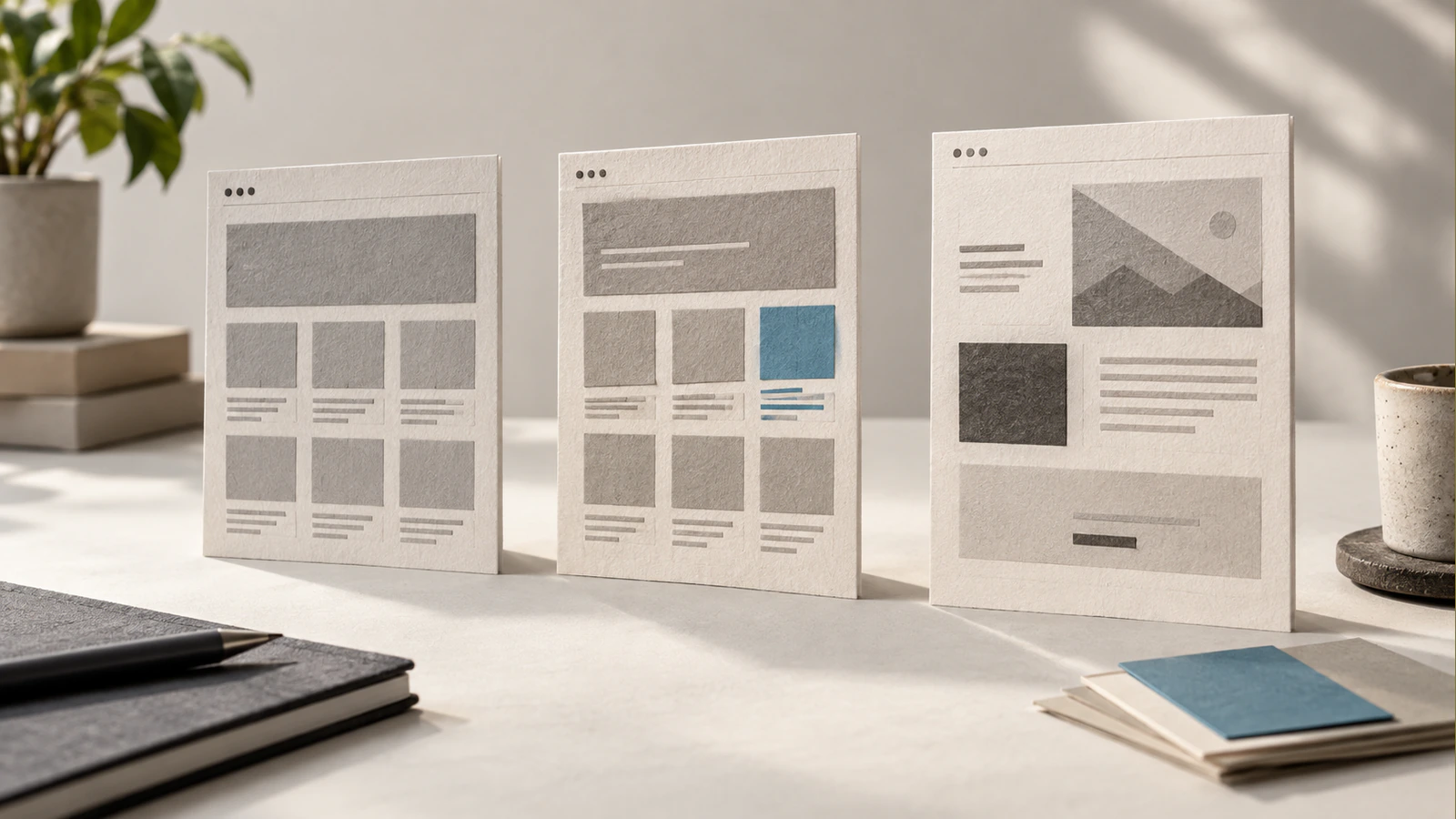
Place representative content into the candidate layout. A short sample heading can hide problems with the technical service names your business actually uses. A demonstration with three identical cards does not show how the design behaves when one description is much longer or an optional image is absent.
The template's job is to reduce suitable implementation work. It should not dictate an unsuitable message merely because a section is already present. Remove irrelevant sections from the proposed scope rather than inventing content to fill them. Reuse is valuable when it supports the reader and editor.
Test the requirements that constrain your choice
Start with the requirements that could disqualify an approach. Common examples include structured publishing, an unusual customer journey, a specific integration, accessible navigation or an ownership arrangement your organization requires. Cosmetic preferences usually come after these constraints.
Describe each requirement as an observable task. “Easy to edit” is difficult to test. “A content editor can add a service, reuse an approved team profile and preview the result without changing global navigation” gives the supplier something specific to demonstrate.
Test editing with the people who will use it
Ask an actual editor to perform a representative change in a demonstration environment. Include replacing an image, correcting a link, adding a longer heading and saving a draft. Observe whether they must remember layout rules or manually copy the same information into several places.
Consider structured content separately from freeform page building. A business with recurring specifications, people, locations or resources may benefit from defined fields and relationships. That does not automatically require a custom platform. It requires a content model the chosen tools can express and a frontend that uses it consistently.
Ask how approval, preview and rollback work. A flexible editor is not necessarily the best editor if every routine update can accidentally change shared styles. Conversely, a rigid structure can frustrate a team whose legitimate content varies widely. The intended balance should be deliberate.
Trace integrations beyond the visible form
A template may include a form element but not the workflow behind it. Establish where the submission goes, which fields are validated, how failures are surfaced and who maintains the connection. Do not infer that a visual component includes every integration advertised elsewhere by the same platform.
For authenticated features, test the roles and data boundaries. A public marketing template should not become the security design for a customer portal simply because it contains a login page. The underlying application needs its own access rules, records and failure handling.
Keep nonfunctional requirements in the comparison too. Keyboard operation, readable content, appropriate image delivery and maintainable updates are part of the implementation, regardless of its starting point. Neither a custom label nor a popular template establishes those qualities without review.
Compare template, hybrid and custom options
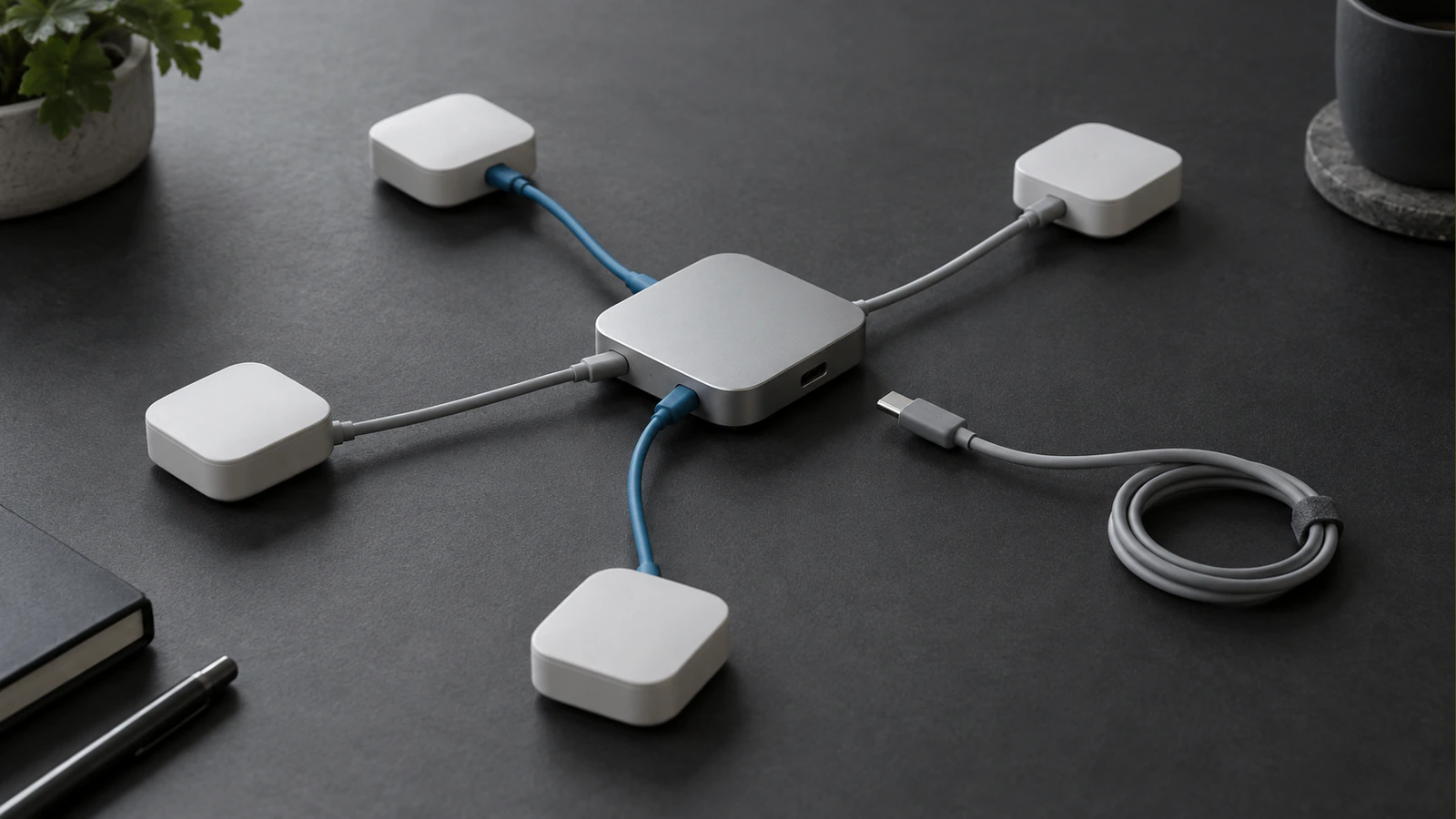
For this decision, a template approach means adapting an existing structure within its supported controls. A hybrid approach means deliberately reusing that foundation while adding defined components or workflows. A custom approach means designing the relevant structure and implementation around the project, while still reusing appropriate frameworks and services.
The following matrix compares the same three illustrative requirements. It is a decision aid, not a product benchmark. A real proposal needs a named implementation and evidence for each cell.
| Requirement | Template approach | Hybrid approach | Custom approach |
|---|---|---|---|
| Editors publish service pages with consistent structure | Suitable if supported fields and layouts match | Extend the model where a limited requirement is missing | Define the model and editor around the publishing workflow |
| One specialist quotation workflow connects to a business system | Suitable only if the supported integration meets the full workflow | Add an isolated integration with clear inputs and failure handling | Build the workflow directly, with testing and operating responsibility |
| Brand presentation uses unusual content relationships | Verify whether the layout can express them without duplication | Replace specific presentation components while retaining useful foundations | Design relationships and presentation together rather than inheriting template assumptions |
A failure in one cell does not always disqualify the whole approach. It may identify a sensible extension. The important distinction is between a supported extension and a collection of workarounds that becomes difficult to update.
Understand where maintenance obligations appear
Templates depend on their authors and supporting ecosystem. Custom implementations depend on their maintainers and the quality of their architecture. Hybrid systems depend on both, so the boundary between inherited and commissioned work should be especially clear.
In WordPress, for example, child themes allow changes without directly editing the parent theme's files. That separation can protect customizations during parent updates, but it is not a guarantee that every override will remain compatible. Extensive overrides can also make the inherited structure harder to manage.
Request a description of the update process. Who reviews a parent-theme change, tests an integration and fixes a conflict? A responsible answer identifies the relevant components and ownership. “The platform updates automatically” does not answer whether the assembled website still meets its requirements afterward.
Work through three realistic project shapes
Consider a small professional-services site with a stable offer, a modest editorial workload and a conventional enquiry journey. A well-chosen template may cover the required structure. The useful work then lies in content, brand application, accessibility, image treatment and a dependable enquiry path.
The template should still pass a real-content review. If the business needs to explain a complicated service, the solution must allow a clear sequence of information rather than forcing every page into a short promotional pattern. The appropriate test is the hardest genuine page, not the easiest homepage section.
A content-rich site may need a hybrid structure
Now consider an organization publishing service information, technical guides and specialist profiles. Its challenge may be consistent relationships and controlled editing rather than unusual visual effects. A hybrid implementation can retain standard CMS capabilities while defining useful content types and a few purpose-built components.
The decision should turn on editorial behavior. Can an updated specialist profile appear wherever it is referenced? Can a guide link to the right service without maintaining a second copy of the service description? Can editors preview changes safely? These questions reveal value that a static design comparison misses.
If the inherited template requires copying data repeatedly or storing important content in brittle layout fields, a larger structural change may be justified. Establish the problem first. Do not replace a working foundation merely because the content library is large.
A workflow-heavy product needs application decisions
A portal with customer-specific records, approvals and integrations is a different project shape. A template can provide presentation components, but the business rules, permissions and data lifecycle still need design and implementation.
Here, custom website benefits may come from an explicit workflow and maintainable domain model, not from a more elaborate visual treatment. The correct comparison includes failure cases: an account loses access, a request is duplicated, a file upload fails or an external system becomes unavailable.
Keep the marketing website and application scope separate where appropriate. They may share branding without needing identical architecture. A team can use a conventional content platform for public pages and a purpose-built system for sensitive workflows, provided the handoff and ownership are clear.
Make the choice with evidence
Before committing, request a small proof of the requirement most likely to cause difficulty. This is not a request to build the whole site without a contract. It is a bounded discovery exercise with a clear question, such as whether the proposed editor can represent the content model or whether a supported integration can handle the required data.
Agree what a pass means before seeing the demonstration. Include who performs the task, what information is used and which exceptions matter. If the supplier demonstrates only a simplified version, record the remaining uncertainty rather than treating the requirement as satisfied.
Confirm ownership and the change boundary
List the accounts, commissioned code, third-party components and licenses involved. Establish which items can be transferred, which require an ongoing subscription and which must be replaced if a supplier relationship ends. These are practical procurement questions that apply to all three approaches.
Define how future requests will be classified. Changing copy within the content model is different from introducing a new content relationship. Adjusting spacing is different from replacing the navigation system. Clear boundaries let your team use existing flexibility without expecting the website to support every possible extension automatically.
Choose the least complicated approach that passes the important requirements and has a credible maintenance path. If a specific requirement remains unmet, custom website development can be scoped around that gap. There is no need to make every part custom to solve one real problem.
Questions about custom and template websites
Can a template website rank well?
A template does not by itself determine search performance. Useful content, accessible information, crawlable pages and sound implementation matter. Review the actual rendered site rather than relying on the build label. Likewise, a custom site can have serious technical or content weaknesses. Neither approach offers a ranking guarantee.
Can we customize a template later?
Often, within the platform's architecture and licensing terms. Ask which controls are supported, how extensions are isolated and what happens during updates. A future change may be straightforward, require development or conflict with the template's assumptions. Identify likely changes before selection rather than accepting an unlimited promise of flexibility.
Does custom mean we own every dependency?
No. Commissioned work can still use open-source packages, commercial services, licensed fonts and platform subscriptions. Clarify the rights and responsibilities for each component. Ask which source files and accounts are transferred and which services remain subject to their own terms. Ownership should be documented rather than inferred from the word custom.
Will a template limit our brand identity?
It can if the required brand expression conflicts with its structure or controls. Colors, type and imagery may be adjustable while navigation, content relationships or interaction patterns remain constrained. Test a representative page with your actual content and assets. A distinctive result does not always require rebuilding the entire system.
Is a hybrid approach a temporary compromise?
Not necessarily. It can be a deliberate long-term design that reuses reliable capabilities and adds only the missing pieces. Its quality depends on clear extension boundaries, documentation and update testing. It becomes a weak compromise when unrelated patches accumulate without ownership or when the inherited foundation repeatedly obstructs essential work.
What should we ask to see before choosing?
Ask for the hardest meaningful requirement in action. That might be an editor updating structured content, a complete enquiry handoff or a customer-specific workflow. Include an exception or failure case as well as the successful route. A polished homepage demonstrates presentation, but it cannot establish that the proposed system supports the rest of the project.