Choose headless WordPress when separating content management from the public frontend solves a specific delivery or application requirement that your team can maintain. Choose traditional WordPress when an integrated editing, preview and publishing workflow meets the need with less operational complexity. Neither architecture is automatically faster, safer or more suitable for a serious business.
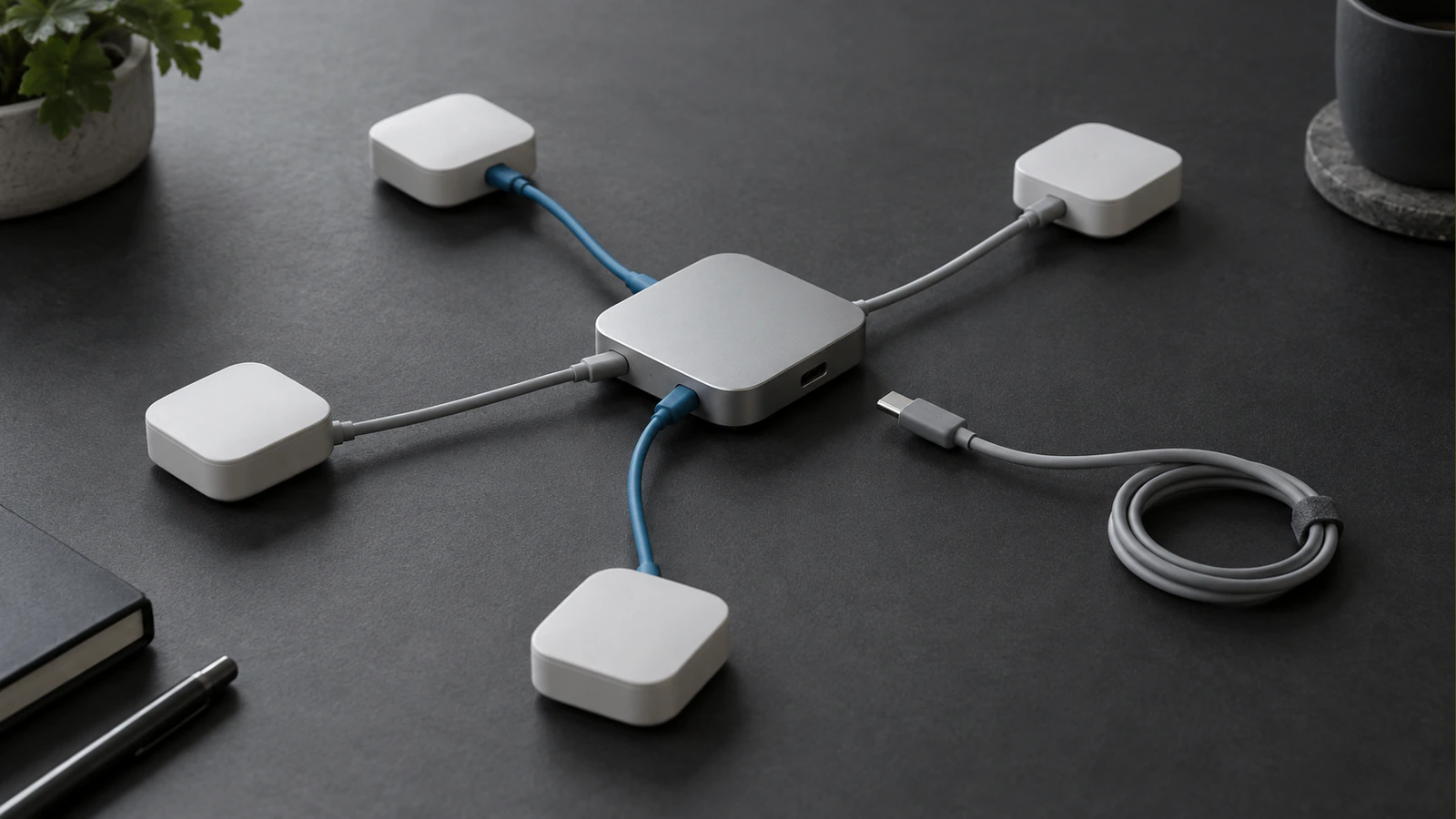
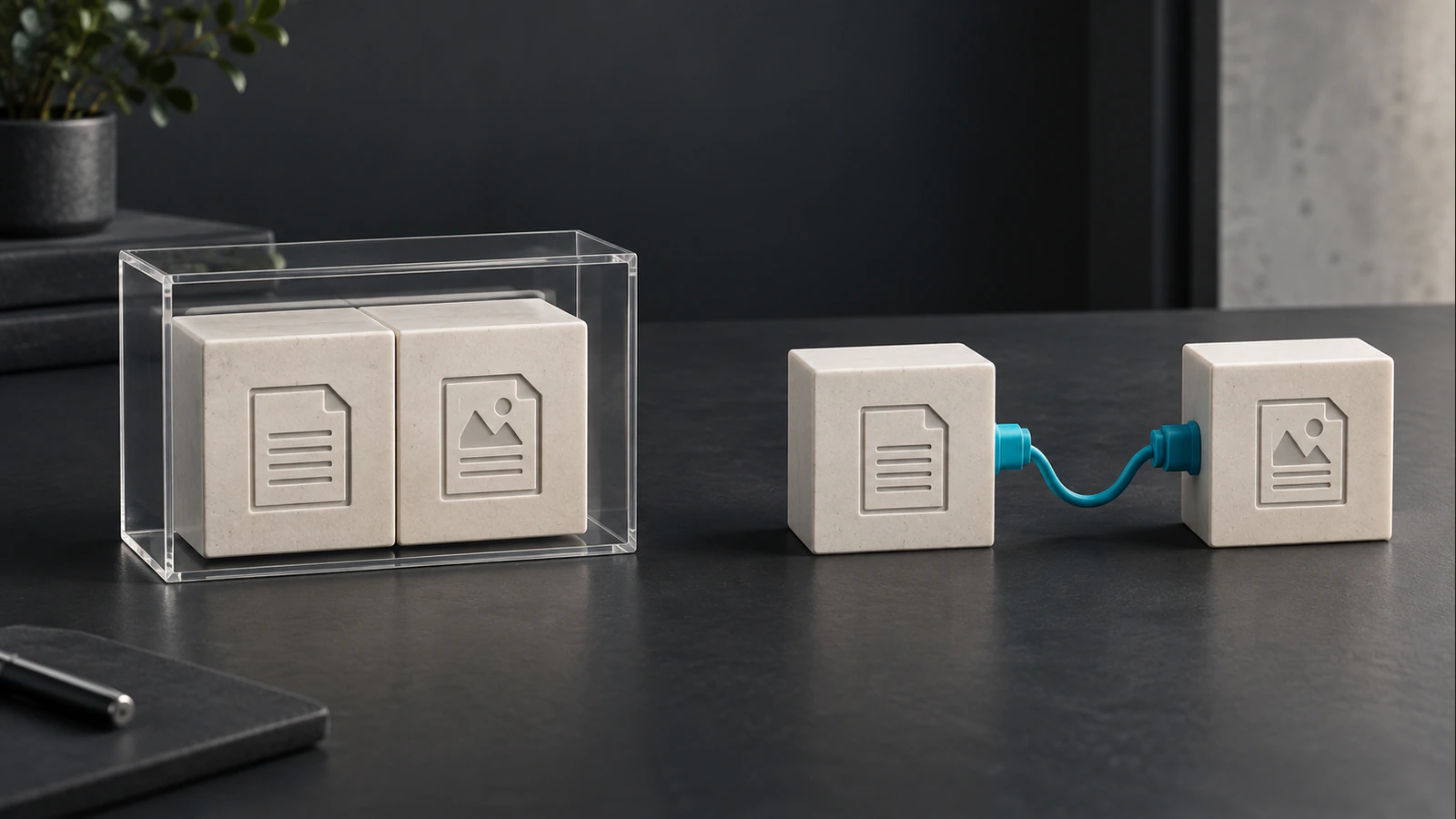
The useful comparison is not old technology against new technology. It is one connected publishing system against two connected systems with an explicit contract between them. That boundary can create valuable flexibility, but someone must own content delivery, preview, cache updates, security and failures across it.
Understand Which System Renders the Public Website
In a traditional arrangement, WordPress stores content and a WordPress theme produces the public pages. Plugins can participate in that rendering process. Hosting, caching and external services still require attention, but the editorial and presentation layers share the WordPress application.
In a headless arrangement, WordPress remains the editorial CMS while a separate application renders the public site. That application reads agreed content and metadata through an API. It may generate pages ahead of requests, render them on demand or combine delivery methods. The architecture label alone does not establish what search engines or visitors receive.
| Responsibility | Traditional WordPress | Headless WordPress |
|---|---|---|
| Store editorial content | WordPress | WordPress |
| Render public layouts | WordPress theme | Separate frontend application |
| Turn editorial fields into public metadata | Theme and selected integration | Explicit frontend metadata implementation |
| Preview unpublished changes | Integrated workflow, still requiring validation | Authenticated connection to the frontend preview |
| Refresh published content | WordPress and its caching layers | CMS event plus frontend cache or build behaviour |
| Maintain presentation code | Theme and relevant plugins | Frontend application and its dependencies |
Think of the headless flow as editor, CMS record, content API, frontend renderer and visitor response. Preview follows a separate authorised path because unpublished material must not become public simply to make it visible to an editor. This distinction should appear in the proposed architecture before development begins.
Test the Editorial Workflow Before Comparing Frameworks
Ask an editor to describe a routine update from start to finish. They may need to change a service description, preview it with an image, request approval and publish at a particular time. A successful architecture supports that whole sequence, not just saving the text in a database.
A headless prototype should demonstrate the final visual preview rather than a generic WordPress theme that looks different from the public website. Otherwise the editor cannot confidently review line breaks, related content, image crops or interactions before publication. Those details may determine whether the proposed workflow is acceptable.
Check Publish, Schedule, Unpublish and Corrections Separately
Saving a published post is only one event. Test a first publication, a scheduled release, a correction, an unpublish action and a category change. Confirm what happens to the article, its archive cards, site search, related links and sitemap. These surfaces can have different cache lifetimes.
Define an acceptable delay and a recovery method. If a CMS event fails to refresh the frontend, an editor needs a visible indication or a documented action that restores the expected state. “It should update eventually” is not a dependable publishing contract for time-sensitive information.
Traditional WordPress also needs these checks, particularly with page caches and external delivery networks. The difference is that headless introduces an additional application boundary where update behaviour must be designed explicitly. Compare the actual implementations rather than assuming either option has no caching risk.
Make Plugin Compatibility a Responsibility Review
A plugin that stores useful editorial fields may still be valuable with a separate frontend. A plugin that adds public markup through a WordPress theme hook may not affect the separate site at all. Some features require a supported API or a replacement implementation.
Build a plugin responsibility inventory before choosing headless. Identify which tool owns forms, redirects, search metadata, access control, content relationships and media information. Then state how that responsibility reaches the public frontend. Keeping a plugin installed does not prove that its output is present on public pages.
For example, an SEO title can be entered in WordPress and returned by the content API, yet never appear in the rendered HTML if the frontend ignores the field. Verification must follow the value from the editor through the API to the public response. Schema and canonical output also need one clear rendering owner to prevent duplication.
Compare the Operating Model, Not Only the Initial Build
Headless CMS costs include maintaining the connection between systems. The budget may involve separate hosting, build services, dependency updates, API monitoring, preview support and cache invalidation. None of these costs has a universal price; the useful estimate assigns work and ownership to the specific design.
Traditional WordPress also has ongoing costs. Themes and plugins need maintenance, backups require restoration tests and integrations can fail. Its advantage for some teams is a smaller number of application-specific responsibilities, not an absence of technical care.
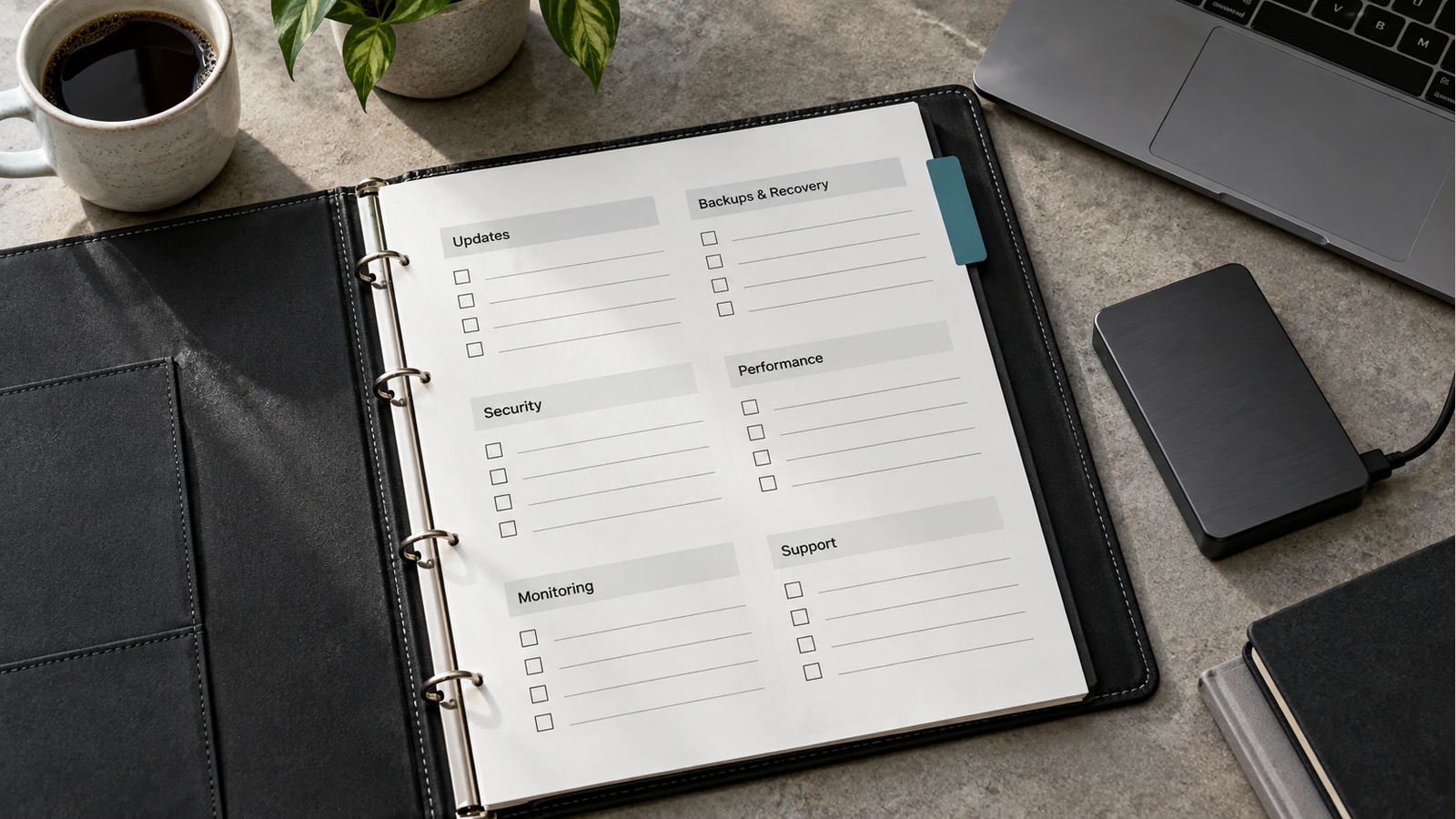
| Operational question | Evidence to request before approval |
|---|---|
| Who responds when content saves but does not appear? | Named owner and a repeatable refresh diagnosis |
| Who updates frontend dependencies? | Maintenance scope and a tested release process |
| Can either system be restored independently? | Backup dependencies and restoration order |
| What happens when the CMS is unavailable? | Tested behaviour for cached and uncached requests |
| How are preview credentials protected? | Server-side handling and limited access |
| Who controls accounts and deployments? | Business-owned access and documented handover |
Consider the people available after launch. If the only person who understands the connection leaves, another developer should be able to diagnose it from the repository and runbook. A technically impressive implementation with undocumented operational dependencies can be an expensive fit for a small editorial team.
Use Headless for a Requirement That Benefits from Separation
Potential reasons include sharing structured content across several applications, integrating editorial content into a substantial product interface or giving an established frontend team control over delivery. The requirement should be concrete enough to test. “We might need an app one day” is weaker evidence than an existing second channel with agreed content needs.
The content model matters as much as the frontend. If articles are stored as presentation-heavy fragments containing assumptions about one website, a separate API does not automatically make them reusable. Define meaningful fields and supported components, then test their use in each intended channel.
Keep Traditional WordPress in the Comparison
A well-built traditional site may satisfy a marketing team's requirements with reusable blocks, structured templates and careful performance work. If editors need straightforward page composition, reliable preview and a familiar plugin-supported workflow, that option deserves a fair prototype.
Do not force headless to solve a problem caused by an overloaded theme, poorly chosen plugins or unoptimised media without testing a narrower remedy. The WordPress versus Webflow comparison addresses platform selection. This decision is narrower: whether an already suitable WordPress CMS should also remain responsible for public rendering.
Treat Security and Performance as Engineering Outcomes
Separating the public frontend can change exposure, but it does not remove the CMS, its accounts or its API. The implementation still needs updates, access controls, secret management and restrictions on private data. A public endpoint must not expose drafts or sensitive custom fields just because the frontend does not display them.
WordPress documents the authentication requirements of its REST API. A logged-in dashboard session is not a complete authentication design for a separate frontend. Preview and privileged requests need deliberate handling, and server credentials must not be shipped to visitor-side code.
Performance similarly depends on delivered HTML, images, scripts, caching and request behaviour. A headless page can still ship excessive JavaScript or wait on a slow uncached API. A traditional page can be quick and stable. Compare representative pages under equivalent conditions and keep field evidence separate from a one-off laboratory result.
Prototype the Hardest Publishing Task Before Committing
Choose a realistic page containing structured content, an image, metadata and a related-content reference. Have an editor create it, preview it, obtain approval, publish it, correct it and remove it from public view. Observe every affected public surface and record the result.
Then introduce a controlled failure in a safe environment. Temporarily prevent the expected update event or use an unavailable test endpoint. Confirm how the team detects the failure and restores the correct state. This is more informative than a demo where every service is available and every action succeeds.
Use those results to choose the architecture. If separation enables a necessary workflow and its operating responsibilities are affordable, headless may be justified. If the integrated option meets the same requirements more simply, keeping it is a deliberate technical decision rather than a compromise.
For a custom frontend project, include the editorial acceptance test and responsibility table in the scope. They give both the business and development team a shared definition of what must work after the initial design has been approved.
Frequently Asked Questions
Is headless WordPress automatically faster?
No. Performance depends on the implementation and its delivery behaviour. Compare representative pages, image handling, scripts, caching and server response under similar conditions. Separating the frontend creates options for optimisation, but it does not guarantee that those options are implemented well.
Can editors still preview drafts?
Yes, when preview is built and authorised correctly. The preview should use the actual frontend and unpublished content without exposing it publicly. Test access, images, related content and expiry behaviour as part of acceptance rather than treating preview as an optional finishing task.
Will existing plugins work unchanged?
Not necessarily. Some plugins manage data that a frontend can consume; others depend on WordPress rendering hooks or scripts. Review each required feature, its API support and its public implementation. Installed status alone does not establish compatibility with a separate frontend.
Does headless improve security by itself?
No. It changes the system boundaries and may support useful isolation, but the CMS, API, frontend and deployment services still require protection. Private content access, credentials, updates and monitoring remain engineering responsibilities. Assess the actual threat model rather than relying on the architecture label.
Can we keep WordPress SEO fields?
Yes, if the chosen fields are available through a controlled API and the frontend uses them consistently. Verify saved values in final rendered metadata and structured data. Assign one public rendering owner so that editorial storage does not become competing or duplicate schema output.
Who maintains the website after launch?
The agreed maintenance team must cover both the CMS and frontend when they are separate. Name owners for dependencies, hosting, backups, preview, content refresh and incidents. These responsibilities should be documented before approval, including what happens when the original implementation team is unavailable.