A Wix to WordPress migration is a controlled rebuild, not simply a change of hosting. Your copy, photographs and business requirements may remain useful, but the destination needs its own templates, content structure and working features. The essential question is which assets can transfer, which functions need replacing and how you will prove that nothing important has been lost.
Start with an inventory of the site people actually use. A page count alone misses enquiry forms, booking rules, protected content and notifications. These dependencies often determine more of the migration effort than the visible design. Separating them before development also makes competing proposals easier to compare.
Inventory Content and Business Functions Before Choosing a Transfer Method
Record each published URL, its purpose, owner and intended destination. Include landing pages that do not appear in navigation, campaign links and any downloadable documents. Mark pages that should remain unchanged, be consolidated or retire. Do not let an automated import make those editorial decisions for you.
For each page type, capture a representative example and its reusable fields. A team profile might contain a name, role, portrait and biography. An event may also need a date, location, registration link and cancellation state. In WordPress, these should become a deliberate editing model rather than unrelated pieces of copied presentation markup.
Record What Happens After a Visitor Takes Action
Submit each important form using approved test information and follow the resulting workflow. Identify the destination inbox or system, required consent, acknowledgement message and any follow-up automation. Record who is responsible for checking successful delivery. An attractive replacement form is incomplete if the enquiry reaches nobody.
Treat bookings, subscriptions, member access and payment-related functions as separate systems to investigate. Establish where the records live, whether a supported export exists and what the replacement must preserve. Do not assume a page export includes customer history or that imported account details allow users to sign in without a new authentication process.
Separate Reusable Assets from Wix-Hosted Behaviour
Wix explains that its websites depend on Wix-hosted technology. Moving content to another platform is therefore different from transferring the complete working site. A WordPress destination needs an implementation of the layouts and services you decide to retain.
Use the following inventory as a planning example, not a promise about a particular export tool. The actual route depends on the Wix features in use, available account access and the destination implementation.
| Item | Likely destination treatment | What must be verified |
|---|---|---|
| Approved page copy | Extract, review and place in the new content model | Complete text, headings and relevant links |
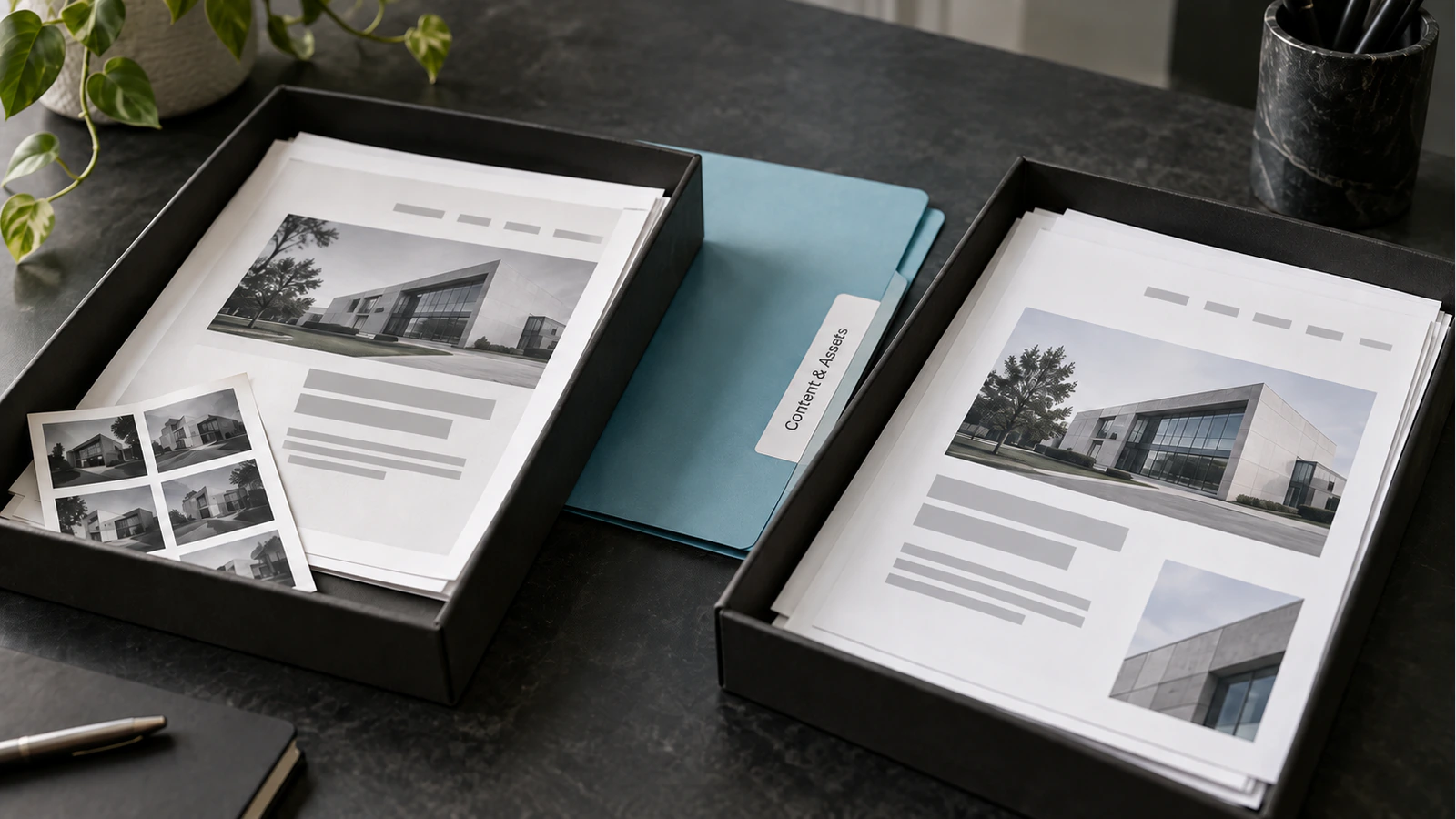
| Business-owned photographs | Obtain original files and import media | Rights, filenames, alt text and correct placement |
| Article collection | Test a supported transfer route or controlled import | Body formatting, dates, authors and media |
| Page layouts | Rebuild with WordPress templates and blocks | Responsive behaviour and editing controls |
| Enquiry forms | Recreate against the agreed delivery workflow | Validation, consent, notifications and storage |
| Bookings or member features | Assess a replacement system separately | Records, permissions and continuity |
| Domain | Plan the required DNS or account changes | Access, website routing and unaffected email |
Ask for a small transfer test before estimating a large content collection. Use an ordinary article and an awkward one containing images, tables or embedded content. Compare the result with the source. The time needed to repair these examples offers more useful evidence than a claim that an importer supports hundreds of pages.
Keep original assets outside the migration tool as well. If the transfer fails halfway through, the project should not depend on extracting everything again from a site that is about to be disconnected.
Design the WordPress Editing Model Around Real Content
The destination should let editors maintain the site without rebuilding layouts each time they publish. Decide which information belongs in ordinary pages, which belongs in posts and which requires a structured content type. Establish required fields, image proportions and reusable patterns before importing at scale.
For example, a consultancy with many specialist profiles may benefit from a consistent profile template. An editor changes the biography and portrait, while the site controls the layout. Copying each profile into a separate unrestricted page can recreate the appearance but leave the team with an inconsistent maintenance process.
Reproduce Necessary Behaviour, Not Every Historical Workaround
Some existing features exist because they were the easiest available workaround. A manually maintained table of events may become a structured listing. A chain of enquiry emails might be replaced by one dependable integration. Document the business requirement first, then select the implementation that satisfies it.
Keep this distinction visible in the scope. “Rebuild the booking page” is ambiguous. “Allow visitors to select an available consultation slot and receive confirmation, with staff able to change availability” identifies a workflow that can be estimated and tested. It still requires decisions about calendars, cancellations and data handling, but those decisions are no longer hidden.
The appropriate WordPress development approach depends on these editing and functional requirements. Adding a plugin for every visible feature without reviewing overlap can introduce conflicting controls and uncertain ownership. Agree which component owns each responsibility and who will maintain it after launch.
Map URLs and Media Before Importing the Whole Site
Create a source-to-destination URL map before changing the information architecture. Where a page retains the same purpose, preserving a suitable existing path can reduce unnecessary change. When a path must change, map it to the closest useful replacement. Do not send every retired page to the homepage.
An illustrative mapping might retain /about/, move an old service path to a clearly corresponding service page and retire a time-limited campaign with an appropriate response. Each decision should reflect the content that a visitor expected, not merely make a link checker display fewer errors.
| Source item | Destination decision | Acceptance evidence |
|---|---|---|
| Current service page | Preserve path and improve content structure | Same intent, working navigation and approved copy |
| Renamed specialist service | Map to its direct replacement | Single redirect to a useful live page |
| Download linked from several articles | Import document and update references | Correct file opens from every retained reference |
| Expired campaign with no equivalent | Review retirement explicitly | Deliberate status and no accidental navigation link |
Keep media mapping alongside URL mapping. A migrated article can appear complete while its images still load from a source account that will later be closed. Verify where every retained image and download is served from. Check image descriptions in context rather than copying filenames into alt text.
For the broader search migration process, use the website redesign SEO checklist. The Wix-specific task here is to make extraction and rebuilding decisions explicit; search continuity also requires its own baseline, redirect checks and post-launch monitoring.
Validate Representative Content Before the Final Transfer
Build a small acceptance set covering every content and functional type. It might include a long service page, a media-rich article, a profile, a form and a restricted area. Include mobile views and a real editorial update, not only a developer's desktop screenshot.
Test whether an editor can change a heading, replace an image, add an internal link and preview the result without damaging adjacent content. Confirm that forms display understandable errors and that their successful submission reaches the expected destination. Where accounts or bookings are involved, test authorised and unauthorised behaviour separately.
Plan for Changes Made During the Rebuild
If the Wix site remains active while WordPress is developed, new content may appear after the initial inventory. Assign someone to track these changes. Decide whether the final transfer repeats an import safely, applies a documented delta or uses a short editorial freeze.
An untracked second import can create duplicate posts or overwrite destination edits. A migration method should explain how it identifies existing records and what it does when source and destination differ. Test this with a small set before relying on it for the full library.
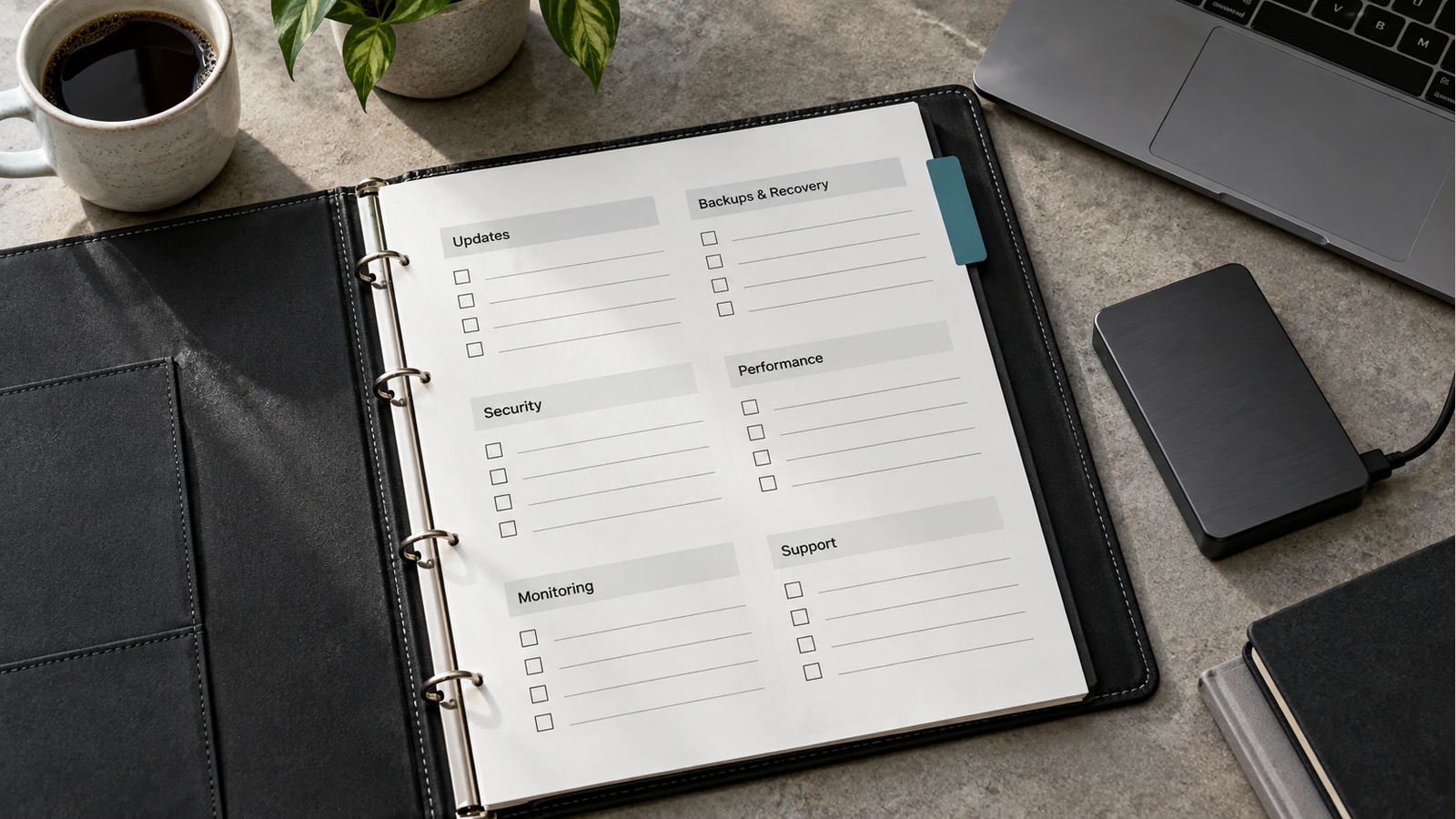
Keep a recoverable source export, asset archive, destination backup and record of DNS settings. Define a rollback trigger, who may authorise it and how new enquiries or orders would be preserved if the launch had to be reversed. A backup without a tested restoration route is an incomplete fallback.
Approve the Migration by Evidence, Not Visual Similarity Alone
The final review should connect each inventory item with a destination outcome. Count retained content records, review representative pages, test critical workflows and confirm that unresolved items have named owners. A near-identical homepage does not establish that articles, forms and account-related features survived the move.
Ask the implementation team to demonstrate the handover using the same tasks your editors will perform. Confirm access ownership, maintenance responsibilities and the process for reporting failures. The aim is a site that remains manageable after the migration team steps away.
If you are commissioning migration and replatforming work, share the inventory, representative test set and URL map with the brief. These artifacts make the scope concrete and help separate content transfer from the rebuilding effort that the destination actually requires.
Frequently Asked Questions
Can I export the entire Wix site into WordPress?
Do not assume a complete working export is available. Wix-hosted behaviour is not a WordPress implementation. Assess content and data transfer options separately, then rebuild the necessary templates and functions in the destination. Verify any proposed migration tool against your actual content before committing to it.
Will the design transfer exactly?
Not automatically. The design can be recreated to an agreed standard, but responsive layouts, typography, interactive states and editing controls need implementation and review. Define which elements must match and which may change before development rather than judging the entire result from one screenshot.
Can the domain stay the same?
Usually the public domain can remain, provided you control the required domain and DNS settings. Hosting and domain registration are separate responsibilities. Plan the website routing change carefully and preserve unrelated records, particularly those used for email and verification services.
What happens to forms and contacts?
They need a specific migration plan. Recreate and test form behaviour, identify where contacts and submissions are stored, and confirm what data can be transferred appropriately. Preserve consent information where relevant and avoid moving unnecessary personal data simply because an export includes it.
Should every old URL redirect to the homepage?
No. A redirect should lead to a relevant replacement when one exists. Sending unrelated pages to the homepage does not preserve their meaning for visitors. Review genuinely retired content individually, update internal references and document the intended response for URLs without a suitable successor.
Can the old site remain available during rebuilding?
Yes, it can usually continue serving visitors while the replacement is developed separately. Track editorial changes, protect the development environment from indexing and agree the final transfer window. Keep the old service available for an appropriate verification period rather than closing it before dependencies are checked.