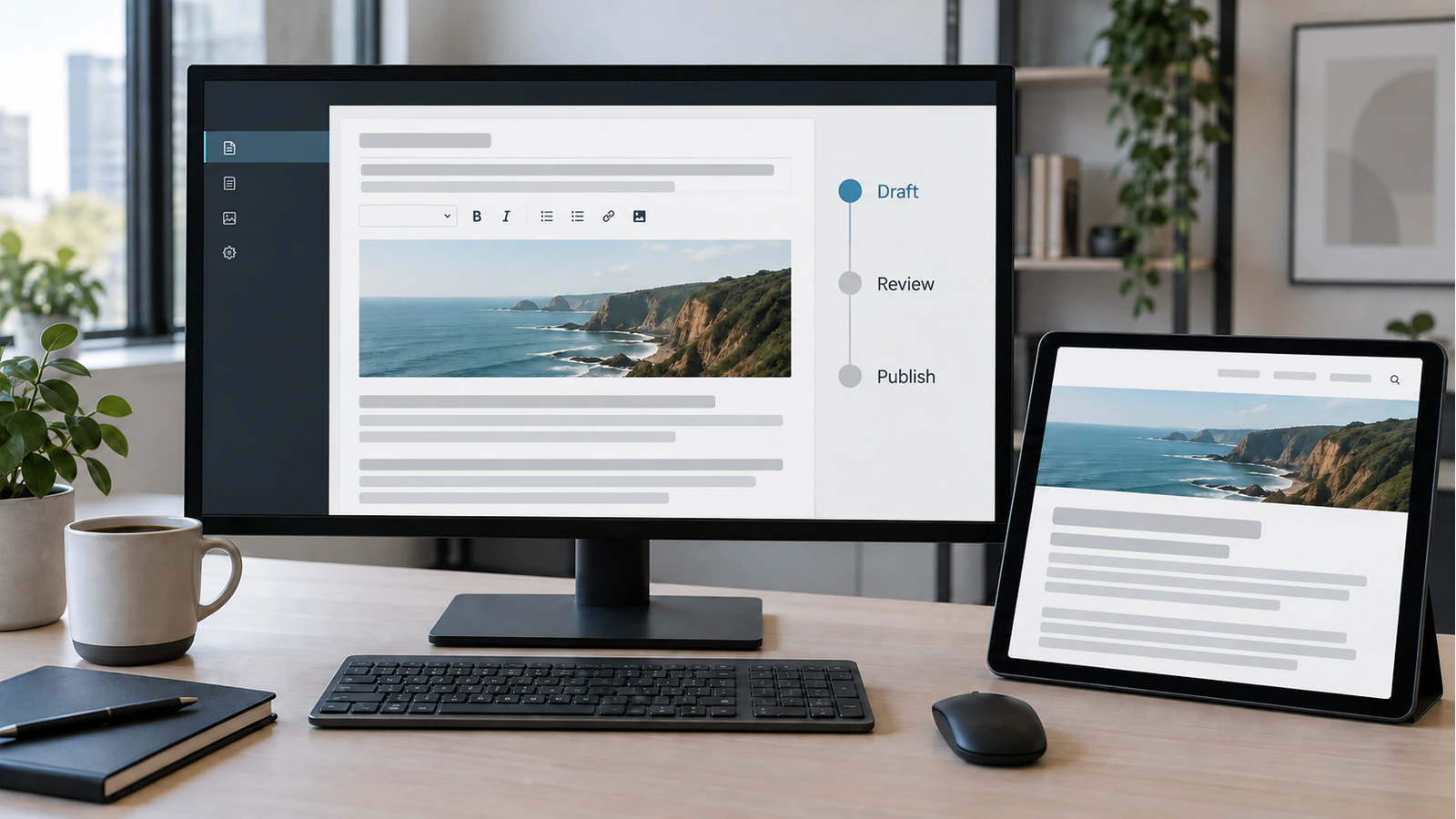
A CMS editorial workflow should let the right people make changes, obtain the right review and confirm that the approved version reached the website. Giving everyone administrator access does not achieve that. Neither does adding an approval label that editors can bypass.
The practical question is what your team needs to publish safely without a developer handling every routine update. Start with the work itself: who supplies the information, who checks it, who can release it and what happens when something goes wrong. Choose controls around those responsibilities, then test them with actual editorial tasks.
This guide explains how to define that workflow before configuring a CMS or commissioning changes. It covers permissions, previews, approval, publication and handover. The objective is useful independence for marketing teams, with clear boundaries around design, sensitive information and technical settings.
Map the content lifecycle before configuring roles
Take one ordinary change through its complete journey. A service description might begin with a subject specialist, move to a writer, require commercial review and then reach a publisher. A correction to an office telephone number may need a much shorter path. Treating both as identical creates unnecessary delays or leaves important changes unchecked.
Content owners and reviewers
Name a responsible owner for each content area. Ownership means someone can decide whether information remains accurate, not simply that their account created the page. Record who supplies missing facts and who covers approval during an absence.
Keep editorial review separate from specialist verification. A writer can improve the clarity of a delivery commitment without being authorised to promise that delivery. The person responsible for the service should approve the underlying claim. For a job vacancy, the hiring owner should confirm the role and application process before publication.
A small team may combine several responsibilities in one person. That is workable when the combination is deliberate. Do not create a complicated sequence of nominal reviewers who never actually inspect the content.
Routine and exceptional changes
Divide changes by consequence rather than word count. A one-word change to eligibility, pricing or a service commitment may matter more than rewriting a long introductory paragraph.
For each class of change, record the required review and the expected response time. Include an urgent correction route with a named backup approver. Urgency should shorten coordination, not silently remove responsibility.
Before choosing software features, ask the team to describe its last five difficult updates. Repeated delays often reveal missing ownership, unclear source information or unavailable reviewers. A new workflow tool will not resolve those problems unless the responsibilities change too.
Separate editing, approval and publication permissions
Editing a draft, approving its claims and making it public are distinct actions. Your CMS publishing permissions should reflect that distinction where the team needs it. A person who can update article copy does not automatically need access to plugins, user accounts or global website settings.
Scope access by responsibility
WordPress documents roles and capabilities as the basis for controlling user actions. The effective permissions on a particular website still need inspection because its configuration and extensions can change the editorial experience. Do not treat a familiar role name as proof that the required restrictions exist.
Use a role/action register during scoping. The following is an illustrative starting point, not a universal permission model.
| Action | Content contributor | Content reviewer | Publisher |
|---|---|---|---|
| Prepare assigned draft | Allowed | Allowed | Allowed |
| Confirm specialist facts | Request review | Record decision | Check completion |
| Release approved content | Not allowed | Only if separately authorised | Allowed |
| Change global design settings | Not part of editorial role | Not part of editorial role | Not automatically allowed |
| Withdraw an incorrect page | Escalate | Recommend action | Follow agreed withdrawal process |
Specify scope as well as action. Can contributors edit only their own drafts, any article in their section or all content? Can they replace media used on other pages? Can they change a published URL? Each answer affects the risk of apparently routine work.
Do not confuse status labels with enforcement
A status called “Pending review” can be useful, but its name alone does not prove that review is compulsory. Test whether an unapproved user can publish through another editor control, a bulk action or an integration that your website actually exposes.
Also define what happens after approval. If the author changes an approved price or delivery claim, does the approval become invalid? A workflow that approves one version and releases another has a gap even when every screen appears correct.
Record the approved version or revision identifier alongside the decision where the implementation supports it. If that requires custom development, make it an explicit requirement. Do not imply that every CMS provides an auditable approval chain by default.
Give editors structured controls and truthful previews
Safe independence depends on what editors can change and whether they can see the result accurately. A locked interface that requires developer support for every sentence is not useful. An unrestricted page builder can create a different problem if routine updates accidentally alter spacing, headings or navigation.
Protect approved layouts
Separate content choices from design controls. Editors may need fields for a title, introduction, image, alternative text and related service. They may not need arbitrary colours, font sizes or layout positioning for each article.
Use approved content patterns where repeated structures are genuinely useful. Allow enough flexibility for a comparison table, a process explanation or a short list without forcing every article into the same sequence. Define what happens when an editor has a legitimate content need that the current patterns cannot express.
For structured WordPress editing, the implementation brief should describe both permitted tasks and protected elements. “Easy to edit” is too vague to test. “A marketing editor can replace an article image and its alternative text without changing the article layout” is a practical acceptance statement.
Include metadata in this exercise. Someone must own the search title, description and URL. Make their purpose clear in the interface and avoid multiple plugins presenting competing fields for the same output.
Review the actual public output
A useful preview shows the content in the frontend that visitors will use, including headings, images, tables, links and relevant metadata. A backend text preview may be insufficient when the public website uses a separate application.
If you are evaluating separate frontend publishing responsibilities, ask how unpublished content reaches a protected preview and how approved updates reach public pages. The preview should not expose private drafts through an unrestricted public URL.
Test a representative long title, a missing optional image and a wide table. Check a mobile viewport as well as desktop. These are editorial acceptance cases, not an invitation for editors to redesign the template each time they publish.
Explain preview limitations honestly. If a preview cannot reproduce a personalised section or a third-party integration, reviewers need to know which separate check confirms that part of the experience.
Define release, correction and withdrawal behaviour
Publication is a change to a visitor-facing system, not just a CMS status update. An article can appear correctly on its own page while its category archive, search result or related-content card still shows an older version.
Scheduling and dependencies
Document the timezone used for scheduled publication and test an actual scheduled item before relying on the feature. Include dependencies such as required images, an approved destination page and a working application or enquiry route.
Avoid scheduling content that depends on another unconfirmed release. A new service announcement should not link visitors to an unavailable service page. Give the publisher a short release checklist that catches those dependencies without duplicating the complete editorial review.
Plan corrections separately from withdrawal. A spelling correction, an inaccurate service claim and a page that must no longer be public require different responses. For a URL change or withdrawal, involve the person responsible for redirects and internal links rather than leaving broken references behind.
Record approval and verify delivery
Keep a compact content-state ledger. It can live in the editorial system or another controlled register, provided the responsible team can maintain it.
| State | Evidence to retain | Next responsibility |
|---|---|---|
| Draft ready | Source information and open questions | Assigned reviewer |
| Approved | Version reviewed and decision | Publisher |
| Released | Actual release time and public URL | Person checking delivery |
| Corrected or withdrawn | Reason and affected references | Content owner and technical owner where needed |
After release, verify the public result as a visitor. Confirm the article, relevant archive entry, image and important link. Where a separate frontend uses caching, test the configured refresh behaviour instead of assuming that saving WordPress instantly updates every surface.
Define what the publisher should do if the CMS says “Published” but the website remains unchanged. A visible failure message, a retry process and a responsible technical contact are more useful than asking editors to repeat saves without knowing the cause.
Test the workflow with real editorial tasks
Acceptance testing should include ordinary work, denied actions and failure recovery. Testing only with an administrator hides permission problems because that account can do far more than the eventual editorial user.
Allowed, denied and failure scenarios
Create test accounts for the intended roles and run a short set of complete tasks. Have the marketing team participate, rather than relying solely on a technical demonstration.
| Scenario | Expected evidence |
|---|---|
| Contributor prepares an article | Draft saved with required content, without global design access |
| Contributor attempts direct publication | Action denied when approval is required |
| Reviewer requests a material correction | Changed version returns through the agreed approval route |
| Publisher releases the approved article | Public page and dependent archive show the correct version |
| Frontend refresh fails | Failure can be identified and resolved through a documented process |
| Owner is unavailable | Named substitute can act without sharing credentials |
Record what actually happened, including unexpected access and unclear labels. A workflow is not ready simply because the happy path worked once.
Handover and ongoing ownership
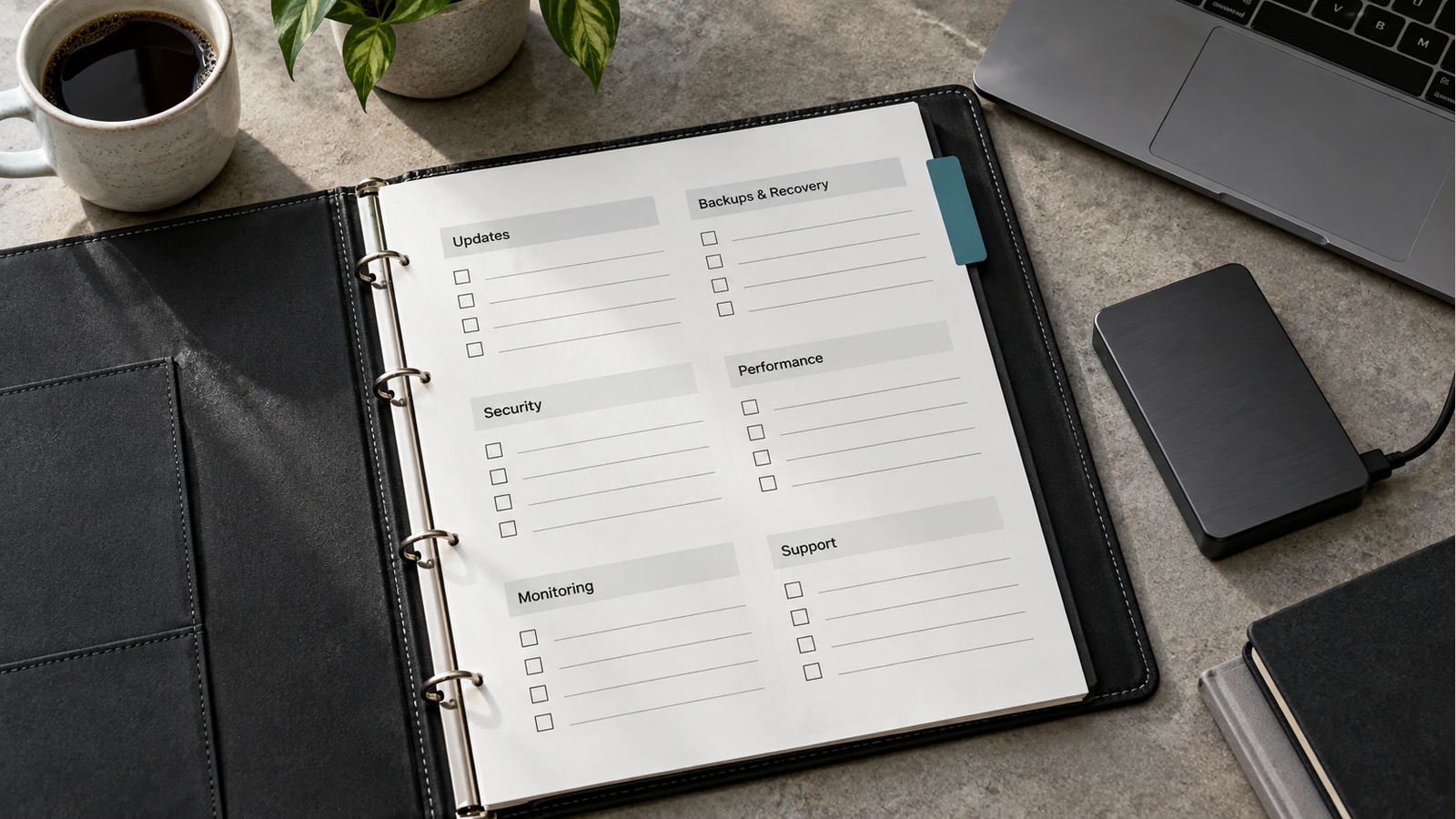
Provide a concise operating guide using the team's real tasks. Cover drafting, images, metadata, review, preview, publication and corrections. Explain when to ask for technical help and which actions should never require a shared administrator account.
Review access when responsibilities change. Remove unnecessary permissions and establish who owns workflow configuration. New content types or integrations can introduce publishing paths that the original tests did not cover.
When scoping the CMS implementation, bring the role register, approval rules and acceptance scenarios together. They give the delivery team a concrete definition of editorial control and give marketing a practical way to judge whether the finished system supports its work.
Frequently asked questions
Does every editor need administrator access?
No. Assign access around the content tasks each person performs. Routine writing, image updates and review should not automatically grant control over users, plugins or global settings. Test the configured roles with real accounts because role names alone do not establish the effective permissions.
Does a pending-review status enforce approval?
Not by itself. Confirm which users can move content to publication and whether other available actions can bypass review. Also check whether a material edit after approval requires another decision. The implementation must enforce the rule your team intends to follow.
Can editors change content without changing the design?
Yes, when the editing interface separates content fields and approved patterns from unrestricted design controls. The available structures still need to support genuine editorial needs. Test common tasks such as replacing an image, adding a table and updating a service description without altering the layout.
What should a CMS preview show?
It should show the proposed content in its actual frontend context, with the main elements visitors will encounter. Protect access to unpublished information. If some features cannot be represented accurately, state those limitations and define a separate verification step before release.
Should every minor correction require the same review?
Not necessarily. Define review by the consequence of the change. A small factual edit may need specialist approval, while a harmless spelling correction may follow a simpler route. Record the distinction so editors do not have to invent exceptions under pressure.
How do we know a published change reached the website?
Check the public page and the dependent surfaces that matter, such as its category listing and article card. Verify that the intended version is visible. For a separate frontend, test cache refresh and failure handling as part of the publishing workflow rather than relying only on the CMS status.